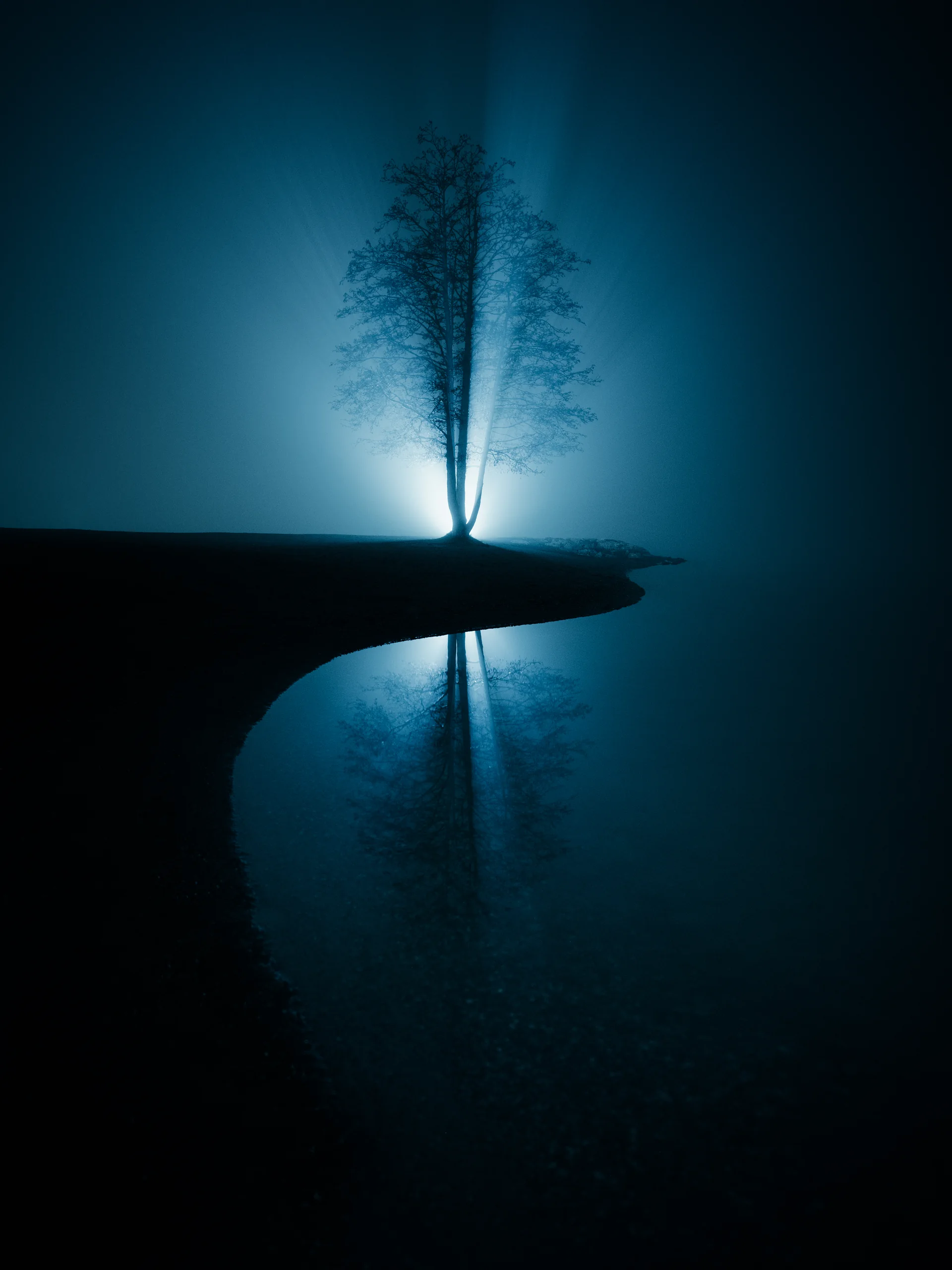
Step workflow
A complete editing sequence from first adjustment to final polish, so every image follows the same path.
EPIC Preset System — Lightroom Workflow for Landscape Photographers EPIC Preset System
EPIC is the repeatable Lightroom workflow I use on my own landscapes, from base tone to final mood, so you can stop preset-hopping and finish stronger photographs.
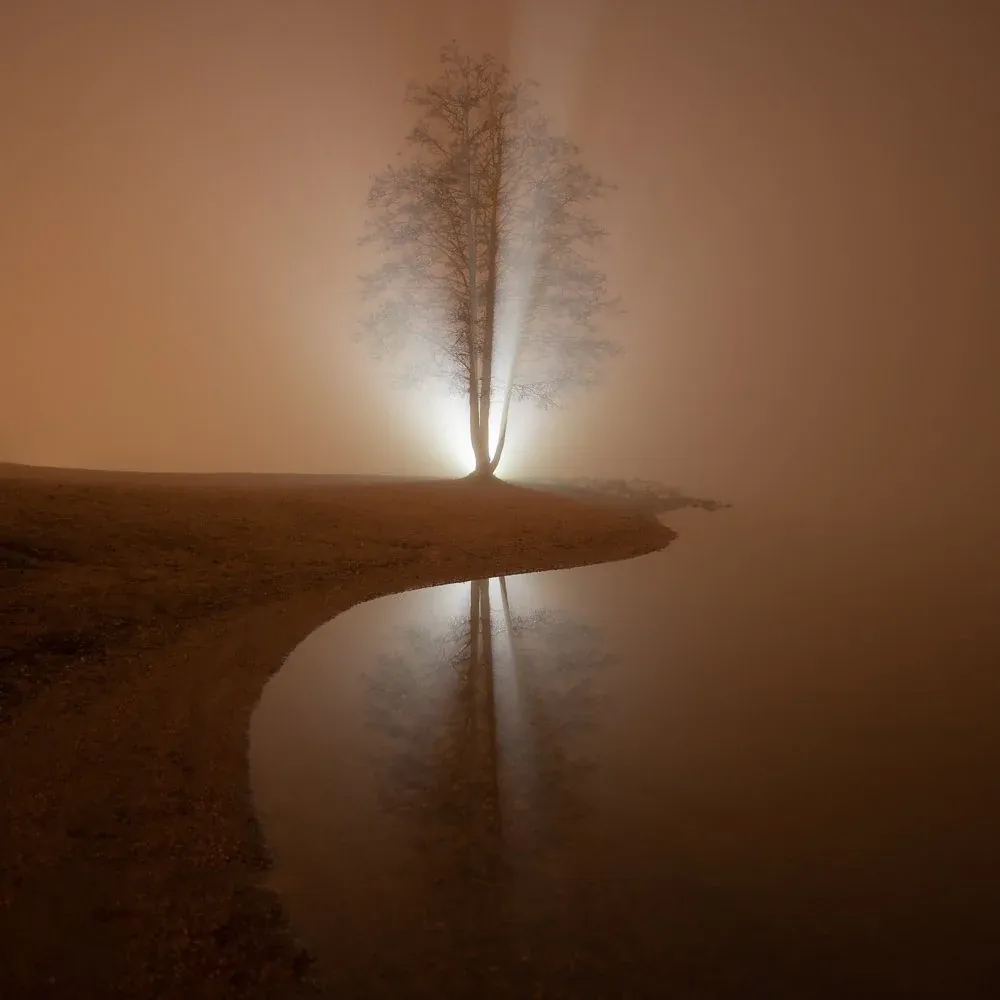
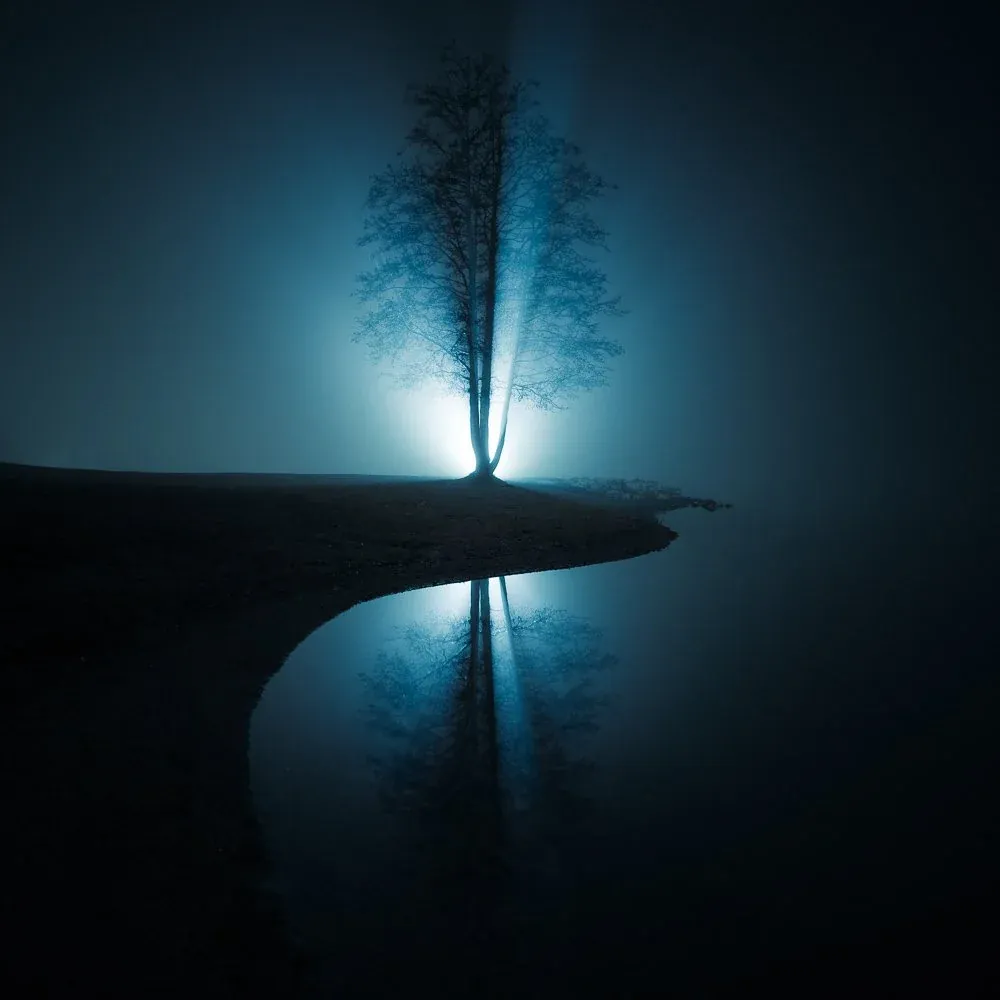
From flat RAW to finished edit
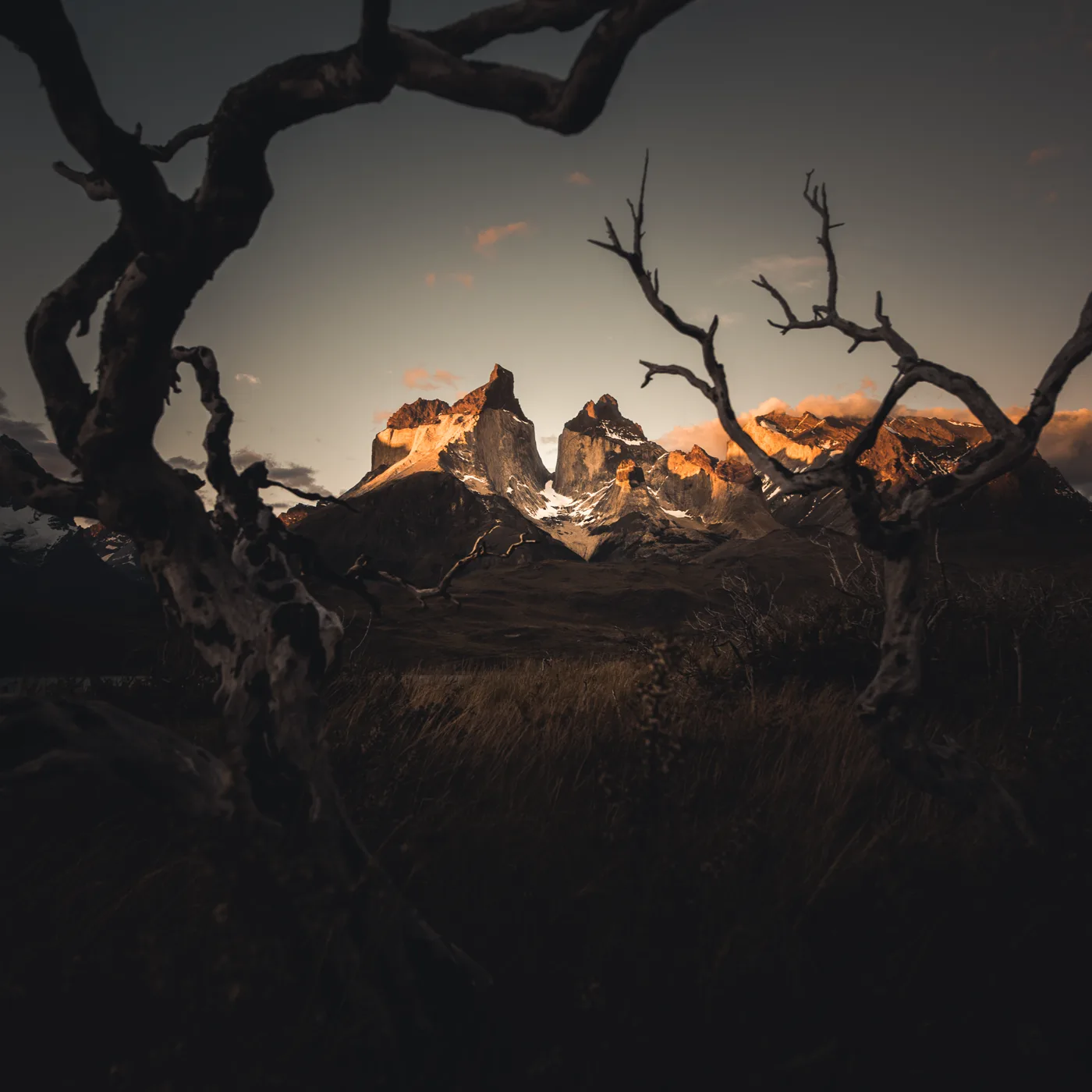
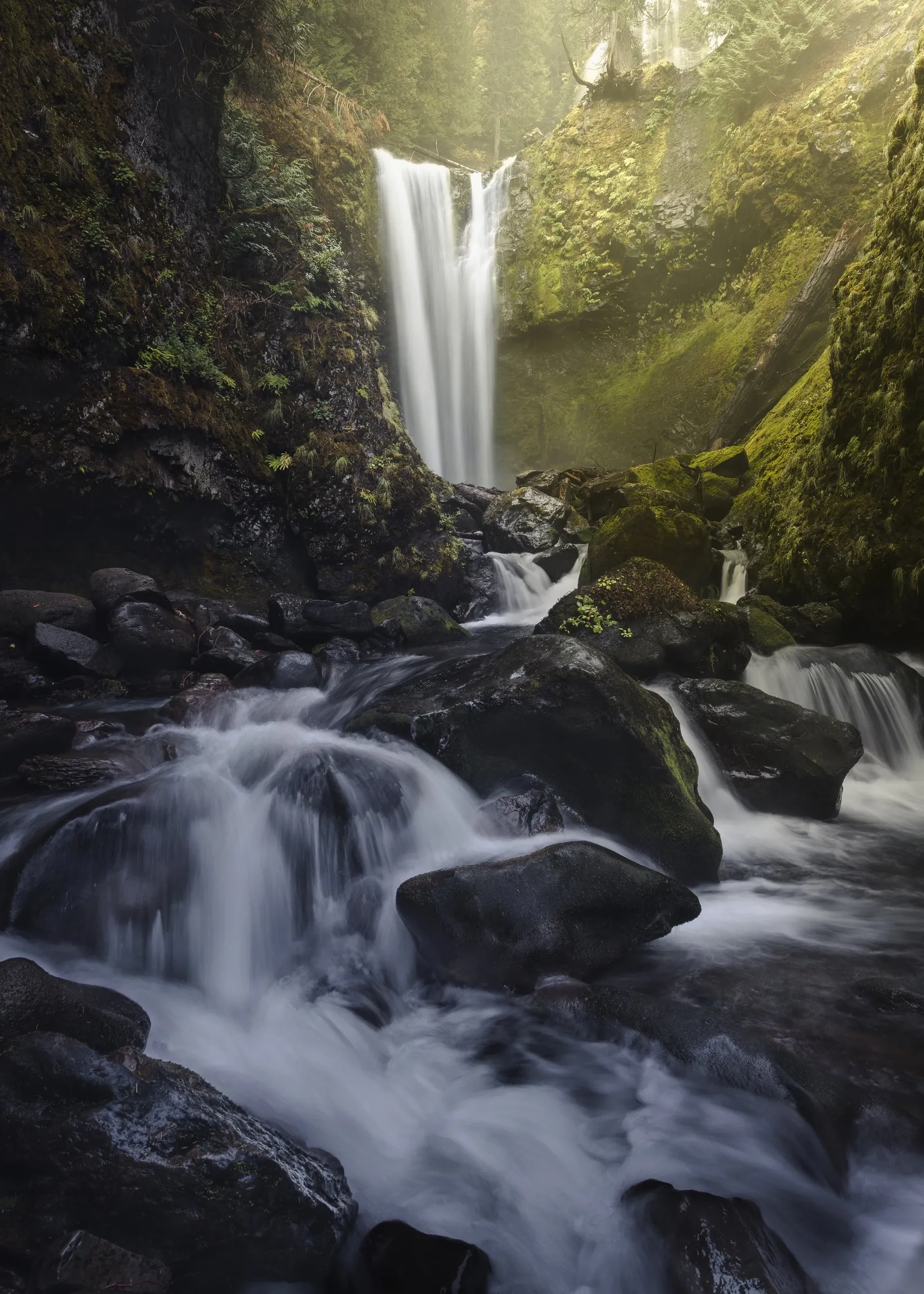
Six RAW files on the left, finished with the EPIC system on the right. Drag to see how the workflow moves each file through tone, light, color, masks and final polish.
See how the same files move through tone, light, color, masks, and final polish.
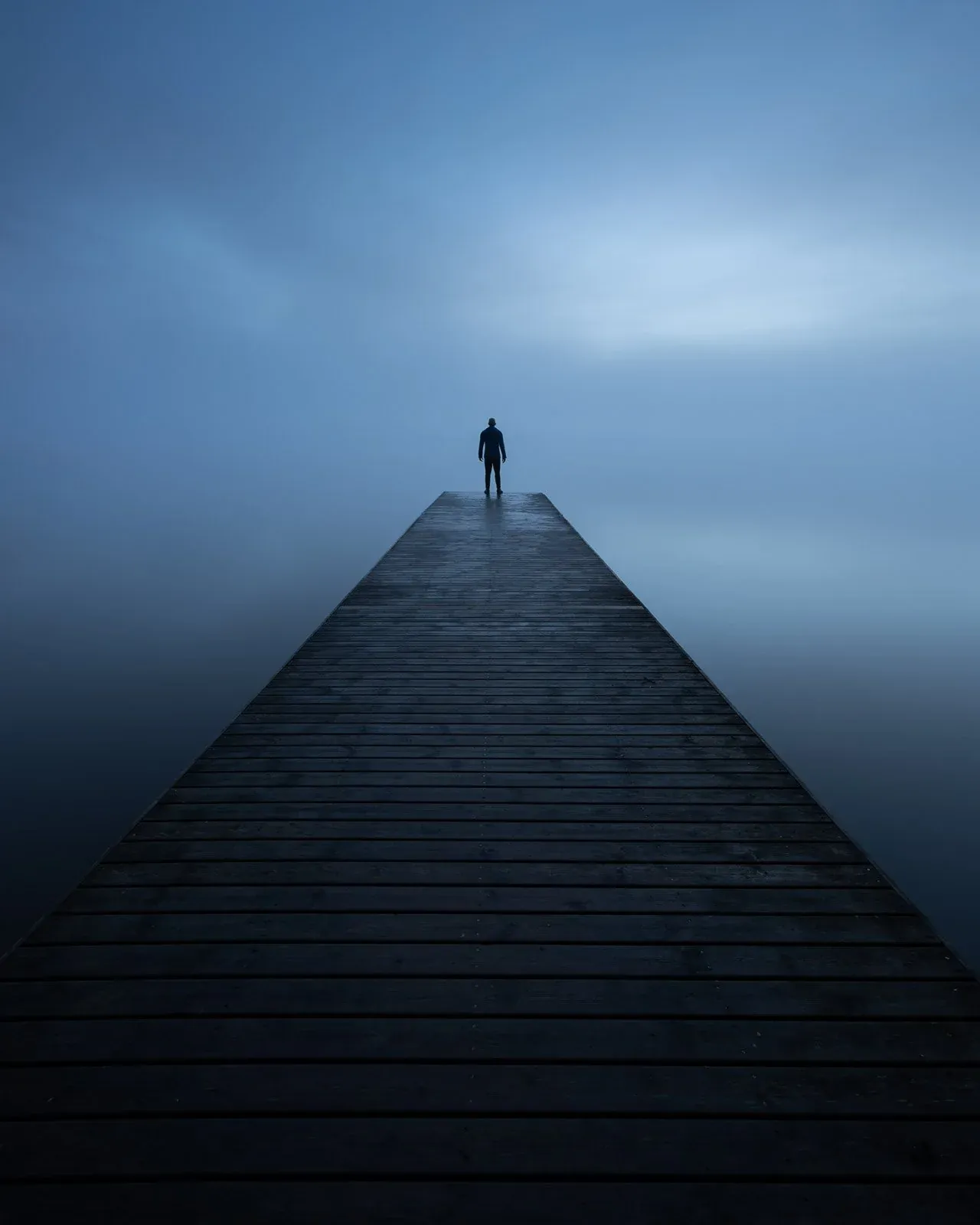
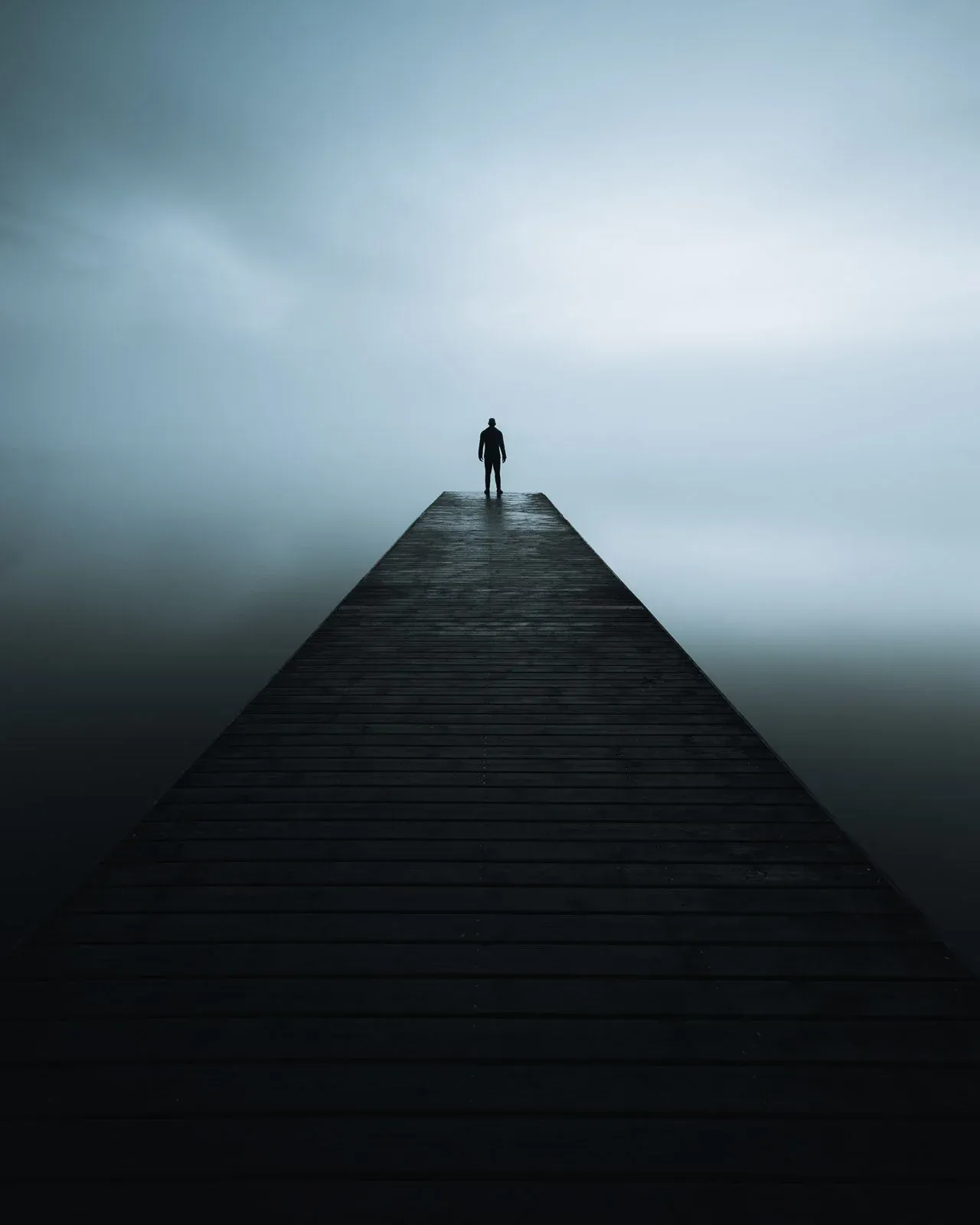
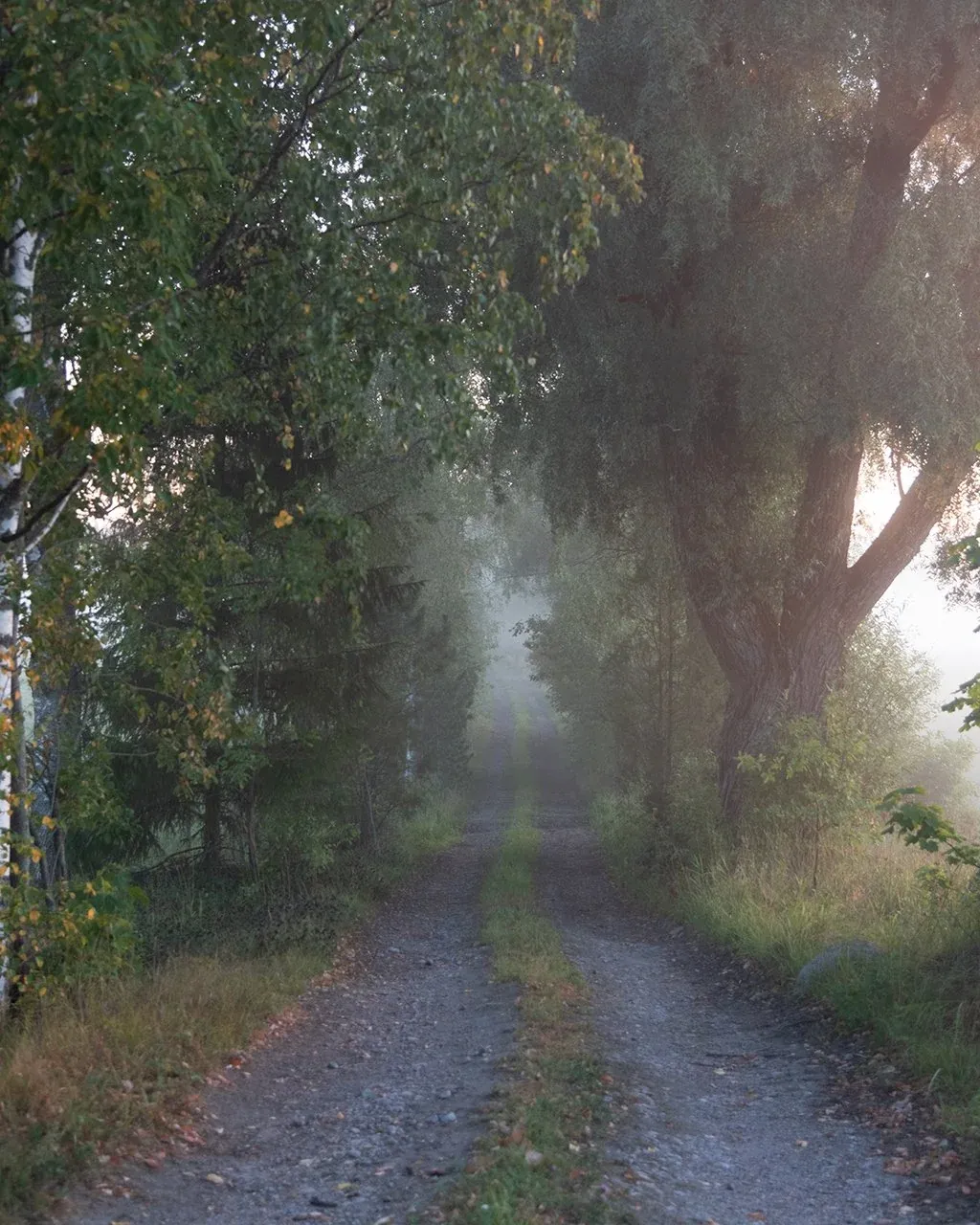
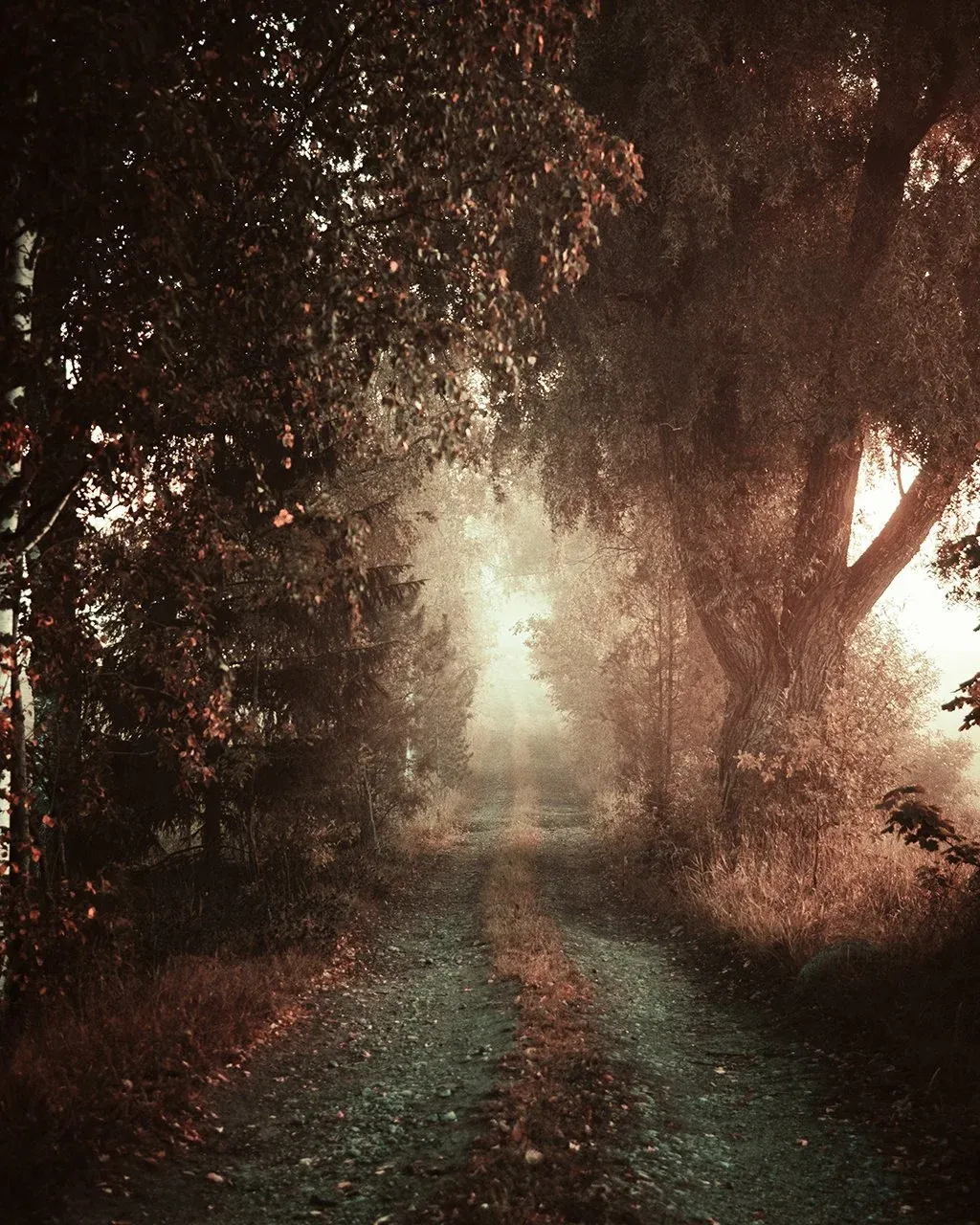
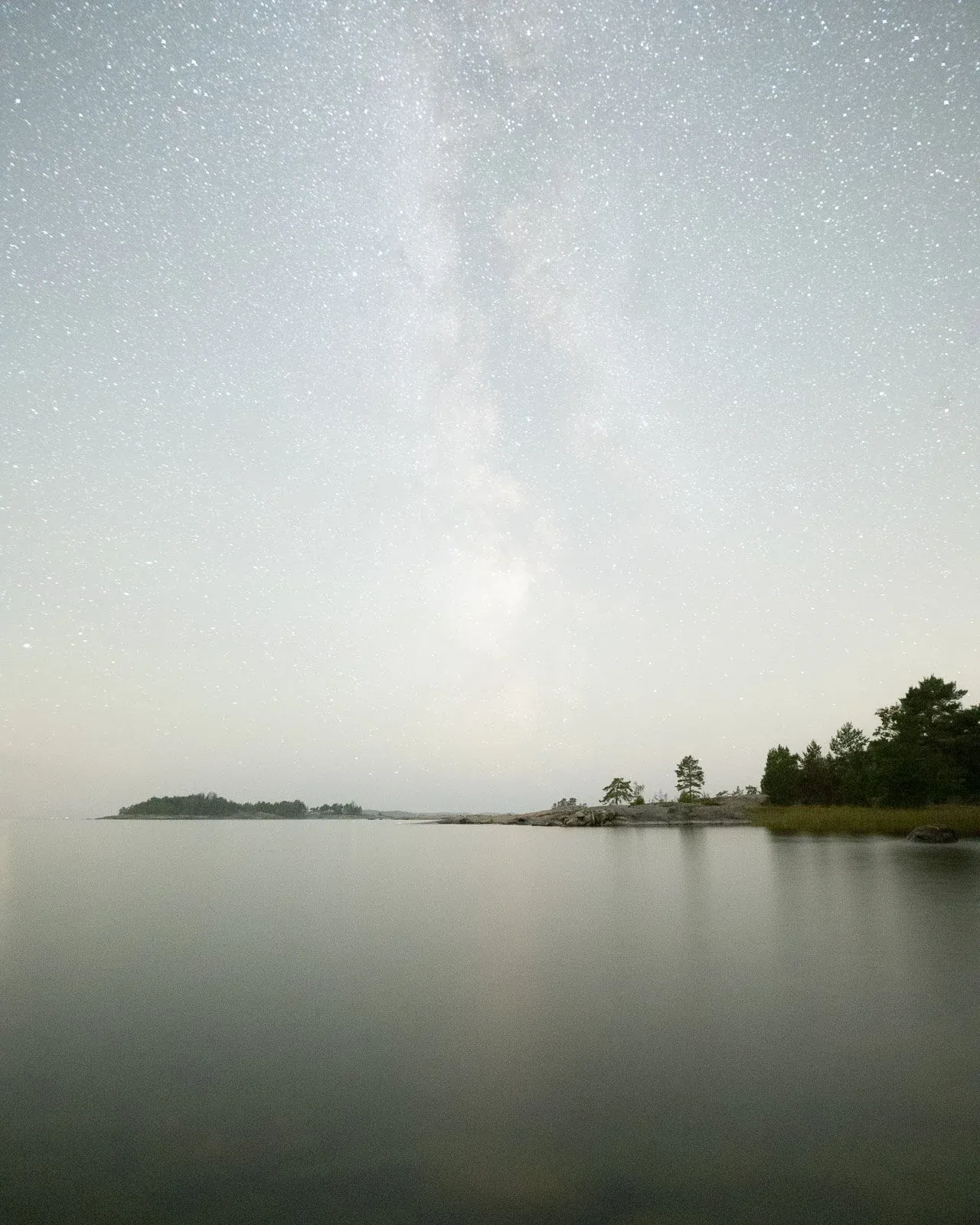
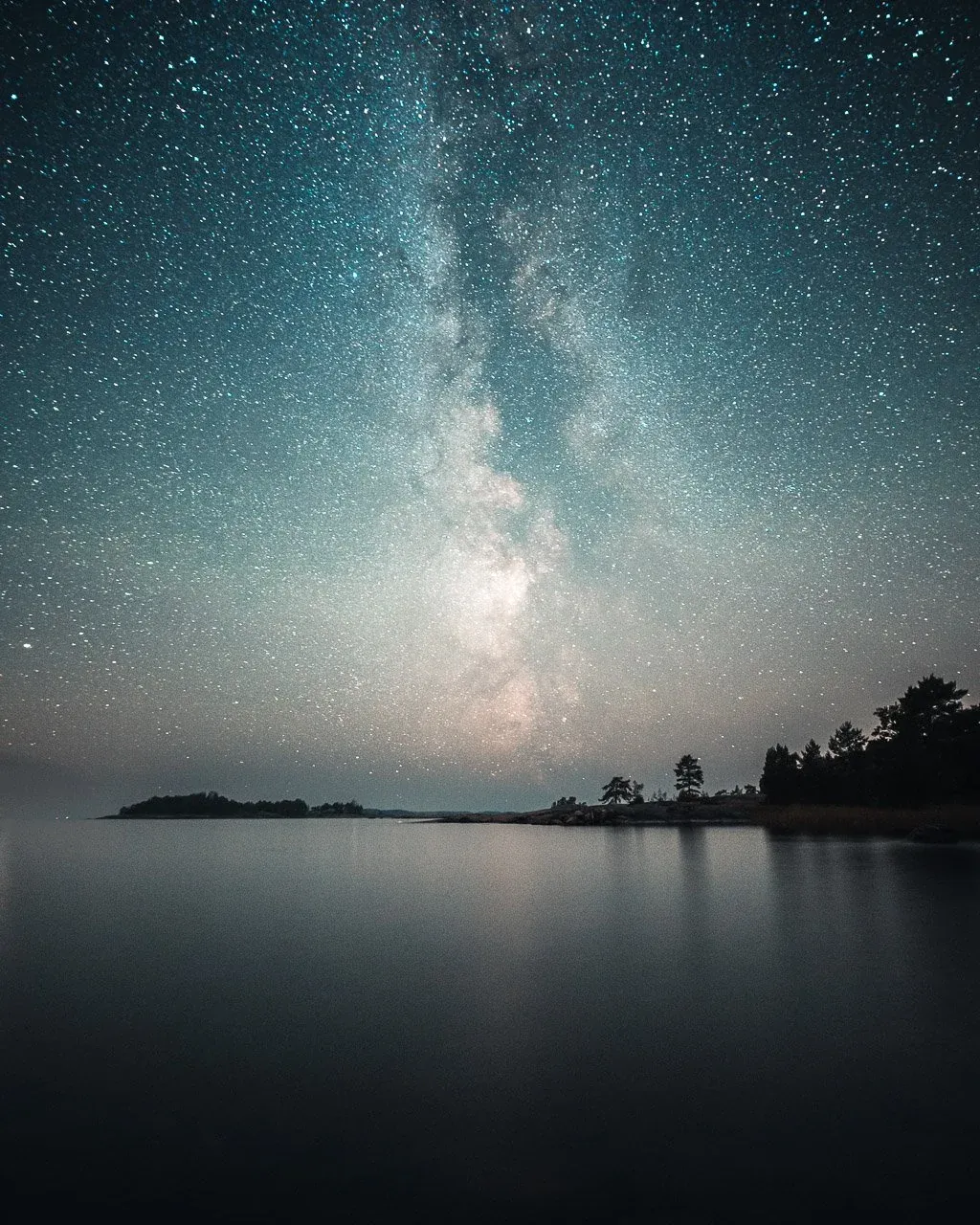
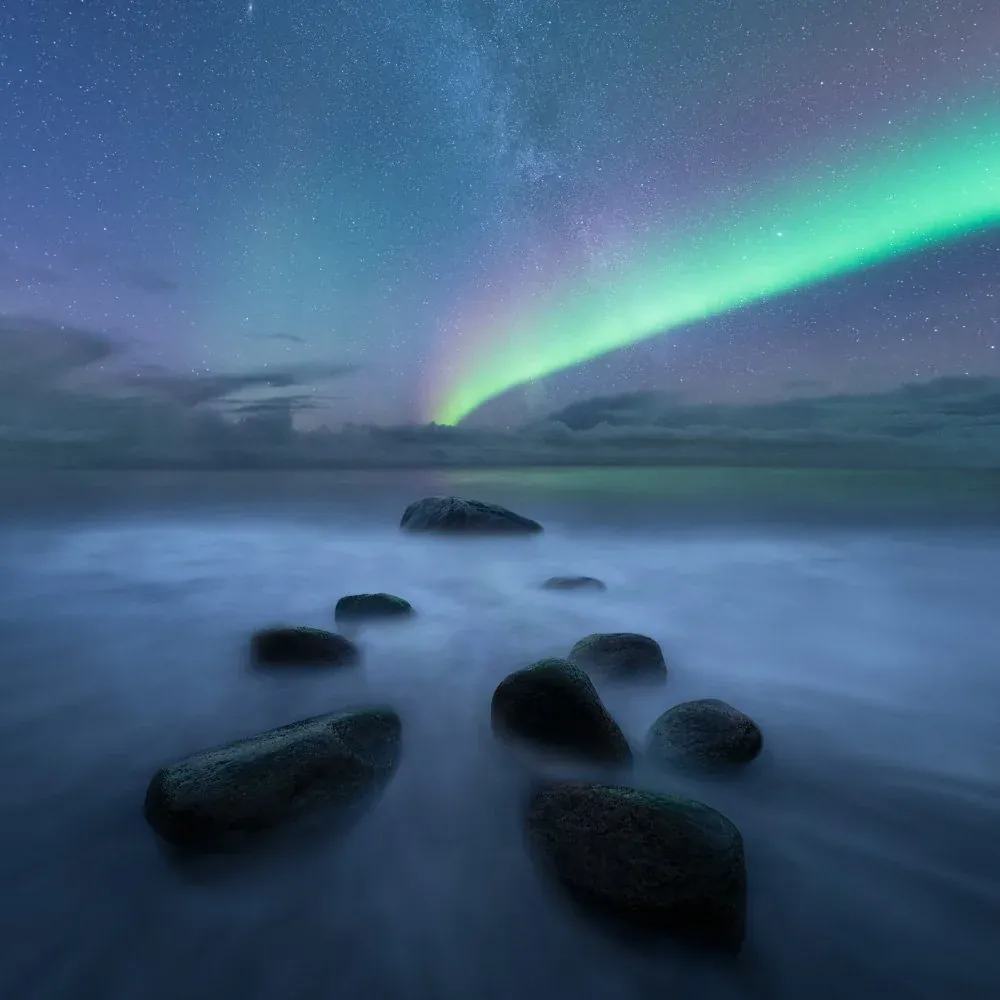
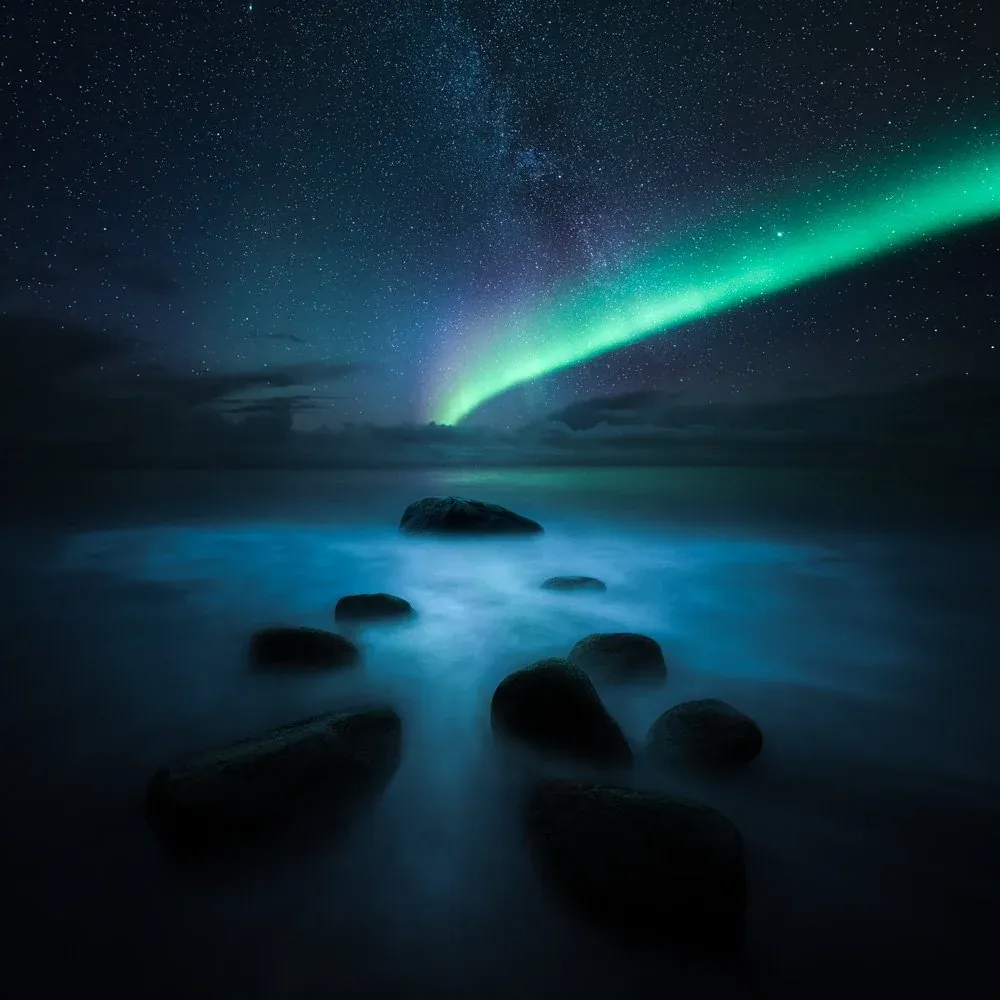
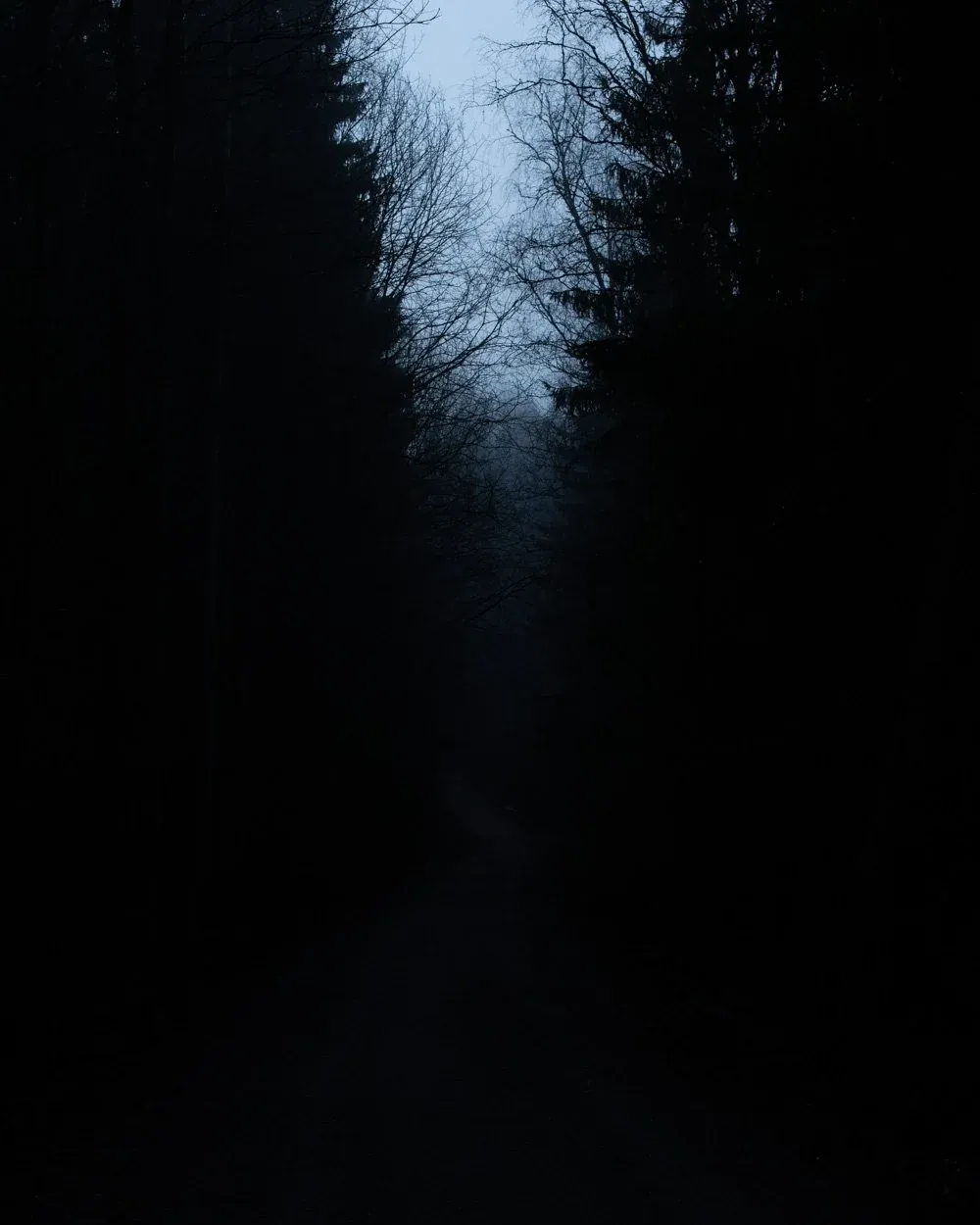
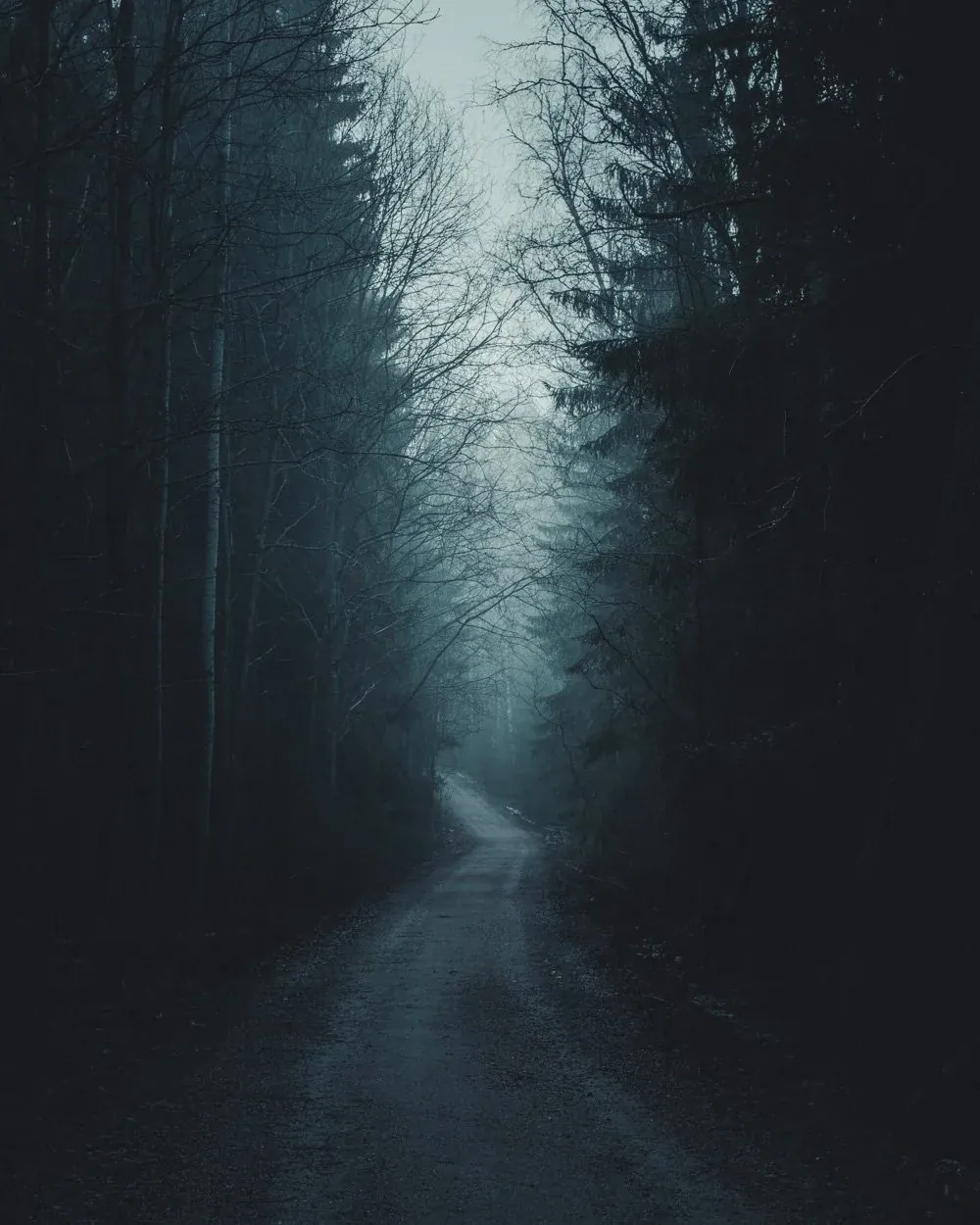
One file - one method - from flat RAW to finished frame
What is included
EPIC combines a 10-step editing method, scene-based presets, color profiles, smart masks and finishing tools into one path — so you are not left with a folder of disconnected looks.
A complete editing sequence from first adjustment to final polish, so every image follows the same path.
A large preset catalog organized into practical scene categories: Blue Hour, Fog, Forest, Night, Overcast, Sunrise & Sunset, Black & White, and Cinematic.
Custom Lightroom color profiles you can dial up or back to control look intensity with more consistency.
Fast sky, subject, and background selections for clean local adjustments in Lightroom.
Install once and sync to Lightroom mobile through the cloud for editing on an iPad or phone.
A practical guide to help you apply the system from day one.
Eight scene categories
The 10-step method
EPIC is not just a folder of presets. It is a complete Lightroom workflow. Ten steps, grouped into four phases, that carry every file from the first adjustment to a finished, polished image.
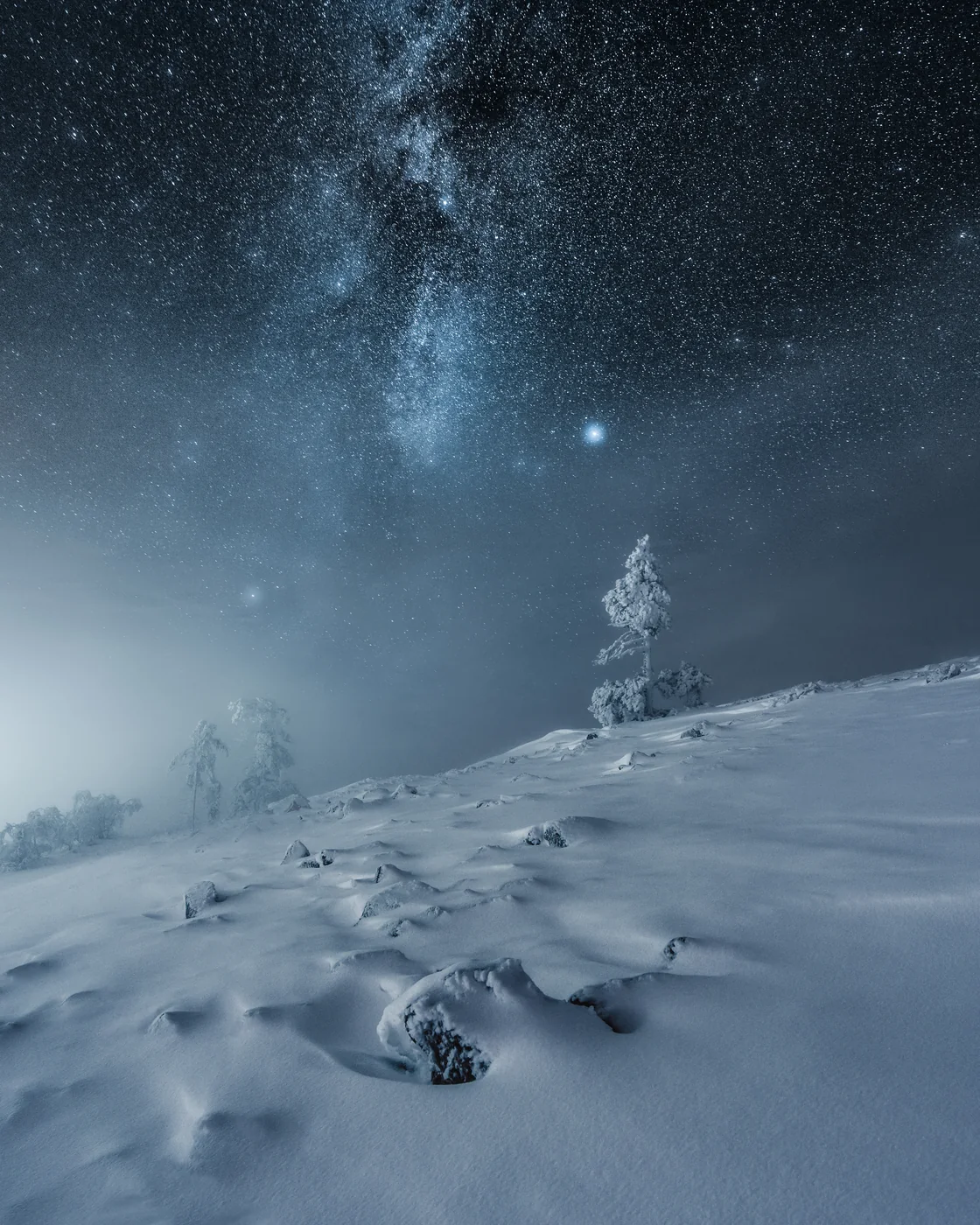
Foundation — Choose the direction
Build the full edit from the first adjustment. Scene-based categories establish tone, white balance, and color direction so the image moves through one coherent workflow.
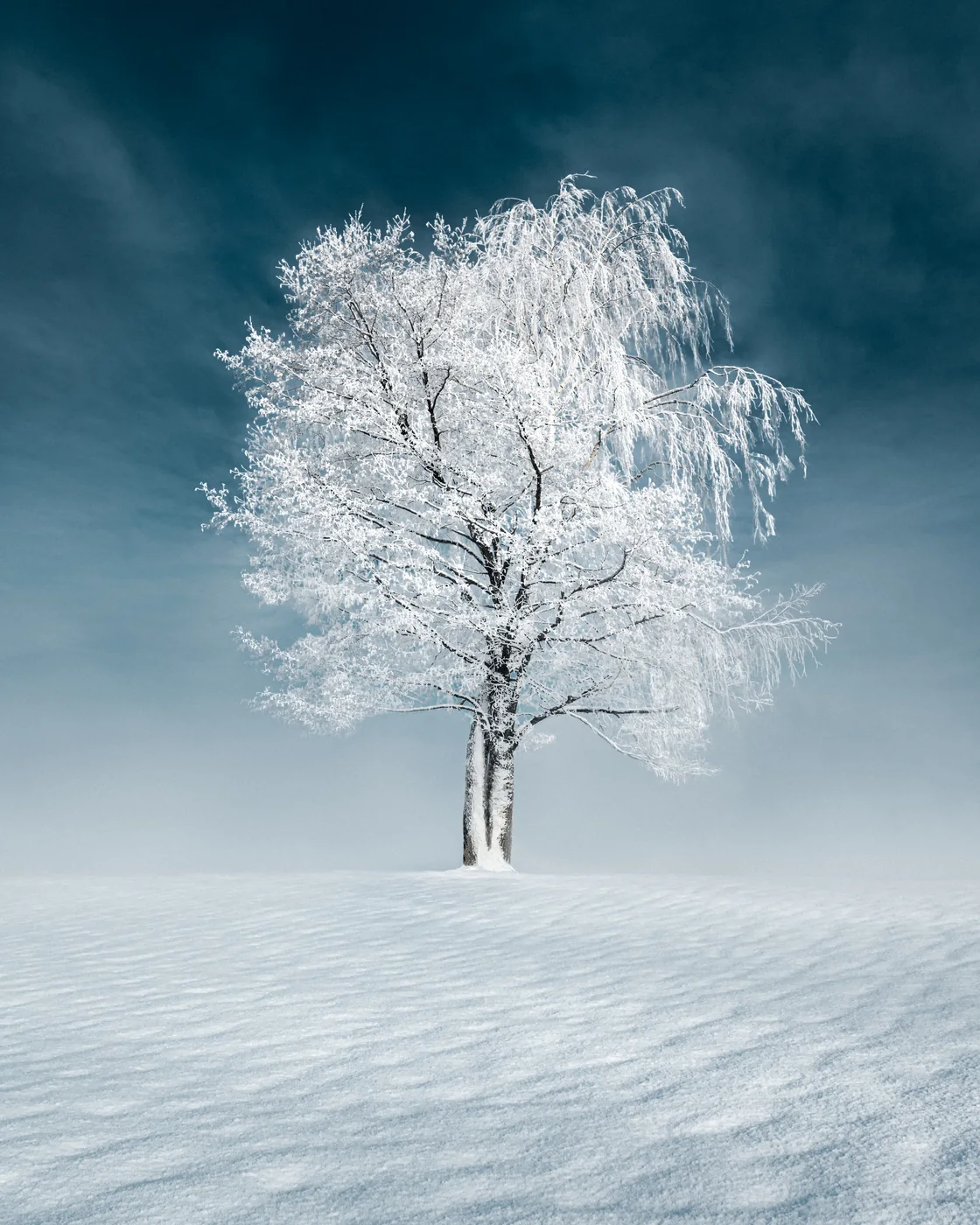
Light shaping — Guide the eye
Use Lightroom masking to guide attention through the frame. Local adjustments help lift the subject, settle the background, and keep the atmosphere intact.
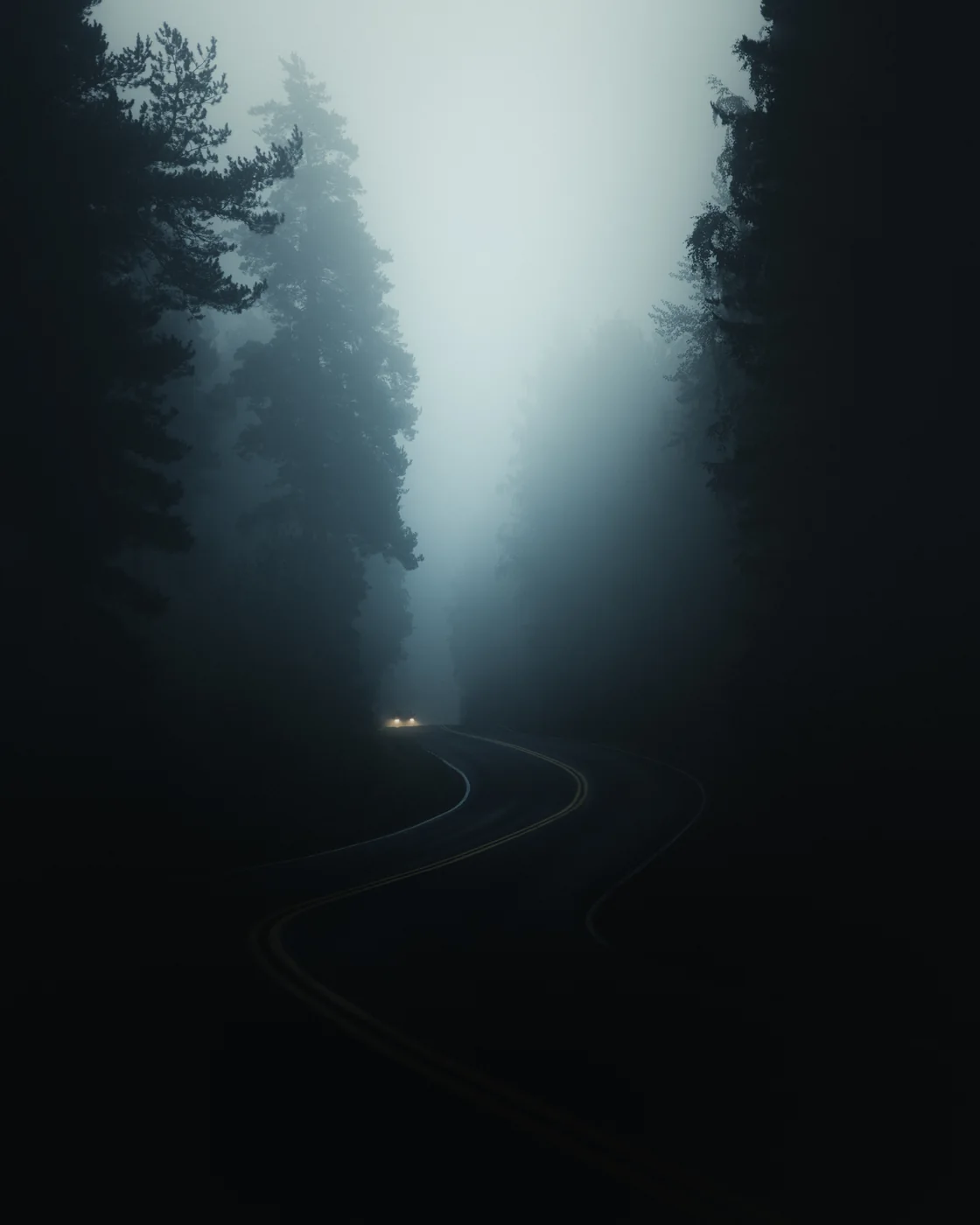
Mood & Color — Build the look
Custom color profiles let you control intensity with precision. Shape the mood and color of the final image without forcing every photograph into the same look.
Final polish — Finish the image
Finish every image with the same path: sharpening, noise reduction, and the small final decisions that make a frame feel complete.
Watch the walkthrough
The walkthrough shows how the complete system moves through a file: global mood, profiles, masks, color, contrast, and the final atmospheric finish inside Lightroom.
What photographers say
Without removing creative control.
"Great job with the EPIC presets. They inspired me to revisit old files and improve them quickly."
 Justin M. Verified buyer
 "It is so complete that you literally don't have to do anything other than click through. They work really well for both me who works as a professional photographer and my dad who is really new to photography. He tried them out and his editing was 10x the speed!"
 Pontus S. @pontusstigberg
 "Easy for beginners and still powerful enough for advanced users."
 Linda B. @linbergman
 "I really enjoy using the collection! They brought more quality to my photos and made my workflow faster! I recommend it: it is easy to use, and a huge plus is that it has everything you need to get to the final look you want!"
 Valerie S. @valeriesig
 "I absolutely love the Epic Preset Collection! It's made editing my photos so much easier, and the results are amazing. They really make my pictures beautiful even though I'm just an amateur photographer!"
"Epic is worthy of its name, well thought out, easy to use, and inspiring!"
 Johanna V. @johannavauphotography
 Who it's for & how it fits
You start with a scene-based direction, then adjust profiles, masks, tone and color to fit the file. The goal is not to make every photo look identical. It is to give every edit a clearer path to a finished result.
EPIC or the Complete Bundle?
EPIC is the focused editing system, and it works well on its own. If you want the wider way of working — capture, editing and creative direction — the Complete Bundle includes EPIC and builds around it.
Start here
EPIC
59 €
The focused Lightroom editing system — a 10-step workflow, presets and color profiles. Best if you mainly want a clearer, repeatable edit.
Buy EPIC — 59 €Best value
Complete Bundle
149 €
Includes EPIC, plus four more core products and five bonus resources — capture, editing and creative learning as one path. 90 € more than EPIC for the whole system.
Compare the Complete Bundle →FAQ
Yes. EPIC is built for Lightroom Classic.
Yes. EPIC also works with Lightroom CC. You can install presets on the desktop version and use them on mobile through cloud sync.
Yes. EPIC works with Camera Raw in compatible Adobe versions.
No. EPIC is built for Lightroom and Camera Raw. Photoshop is not required.
EPIC is not designed as a one-click solution. The presets give you a strong starting point, but the system is built so you can finish each image step by step according to your own vision.
Yes. Presets, profiles, and masks are all adjustable. You can reduce intensity, modify colors, and shape the result to fit your own style.
EPIC works best with RAW files because they give the most room for adjusting light, color, and detail. You can use it with JPEGs too, but RAW gives the best results.
After checkout, you receive access to the digital files and installation resources. The download includes the EPIC Preset Collection file, the EPIC Color Profiles file, and installation instructions.
Yes. EPIC is a one-time payment. You receive permanent access to the files you purchase. No subscription or recurring fees.
No. EPIC gives you a clear editing path, but you can adjust profile intensity, masks, and preset settings for each image. The goal is a consistent workflow, not an identical result in every photo.
Choose EPIC (59 €) if you mainly want the focused editing and preset system — it works well on its own. Choose the Complete Bundle (149 €) if you want EPIC plus the wider set of courses, guides, and preset collections: it includes EPIC and four more core products along with the bonus resources, for 90 € more than EPIC on its own.
If something isn't working as expected, email hello@mikkolagerstedt.com and I will help you get EPIC up and running.
EPIC Preset System
Get the full 10-step Lightroom workflow, 500+ scene-based presets, 32 color profiles, smart masks and walkthrough video — one complete editing system for landscape photography.
EPIC Preset System
One-time payment · Instant download · Lifetime access · Secure checkout