Article content
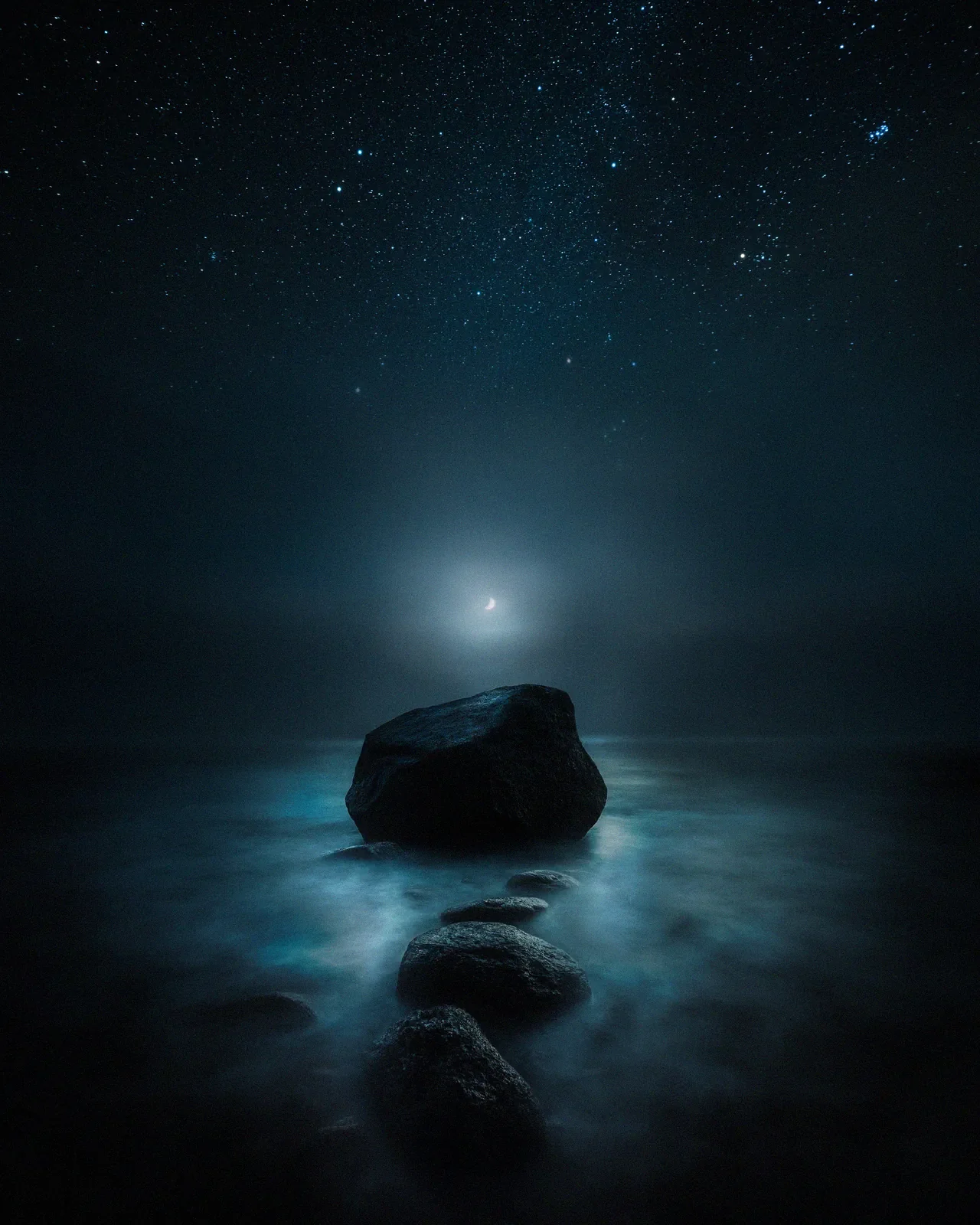
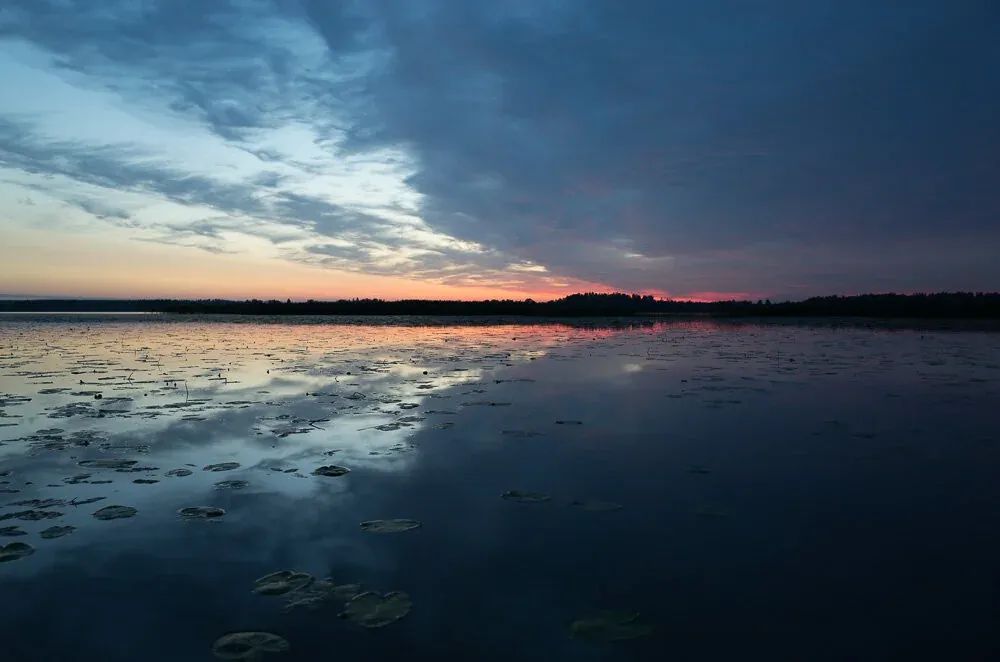
I made a short video tutorial on how to use Graduated Filters and Radial Filter to balance pictures and add colors. Hope you like it.
Sorry that I sound bit weird, but I have the flu.:)
Things I'll go through in the tutorial.
Balancing photo with Graduated Filter
Adding color with the Radial Filter
Using the Radial Filter to add Vignetting
Basic adjustments
I have also gathered my favorite Lightroom settings to presets and provide those here: