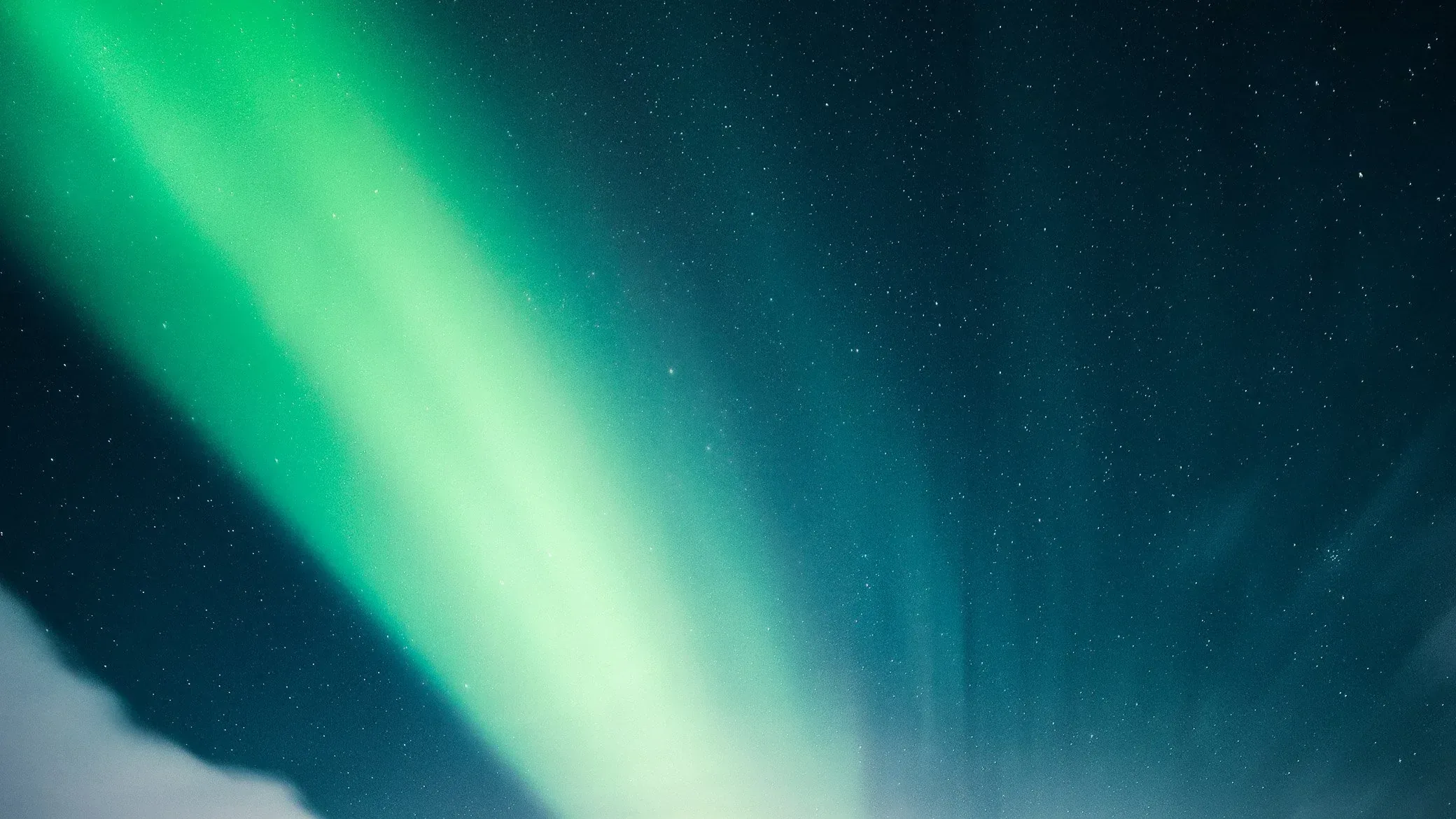
Step 01
Choose the atmosphere
Every night is different. Start with a look that matches the scene, from restrained natural color to a deeper cinematic direction, so the edit has a clear intention from the first move.
The Borealis System
Modern cameras capture the light. Borealis is a color editing system that helps your RAW files hold more of the feeling you had standing under the northern lights.
Built for aurora, winter, and deep night photography.
Drag to compare. Each edit is built to stay close to the feeling of the night, not to bury it under effects.
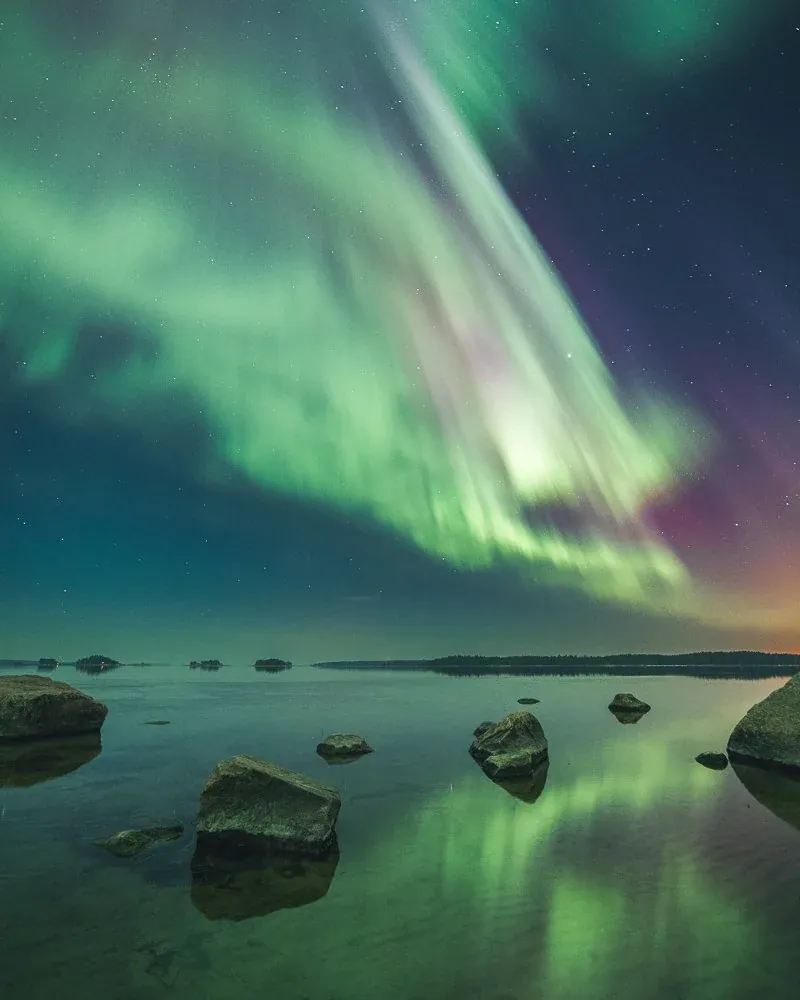
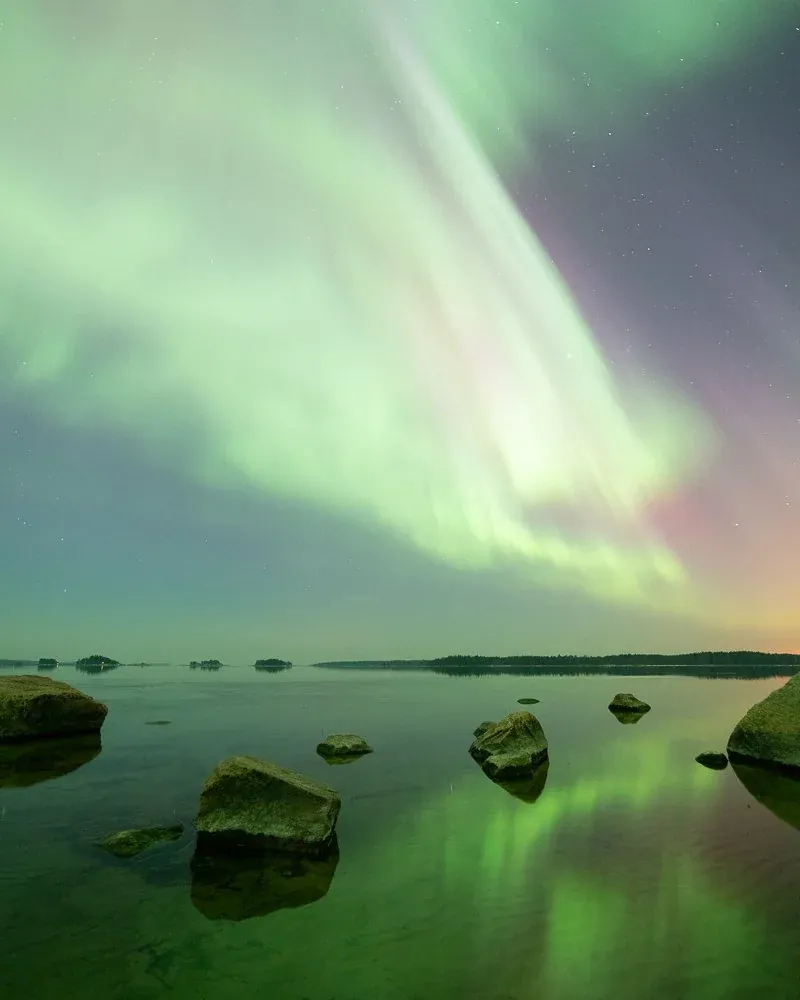
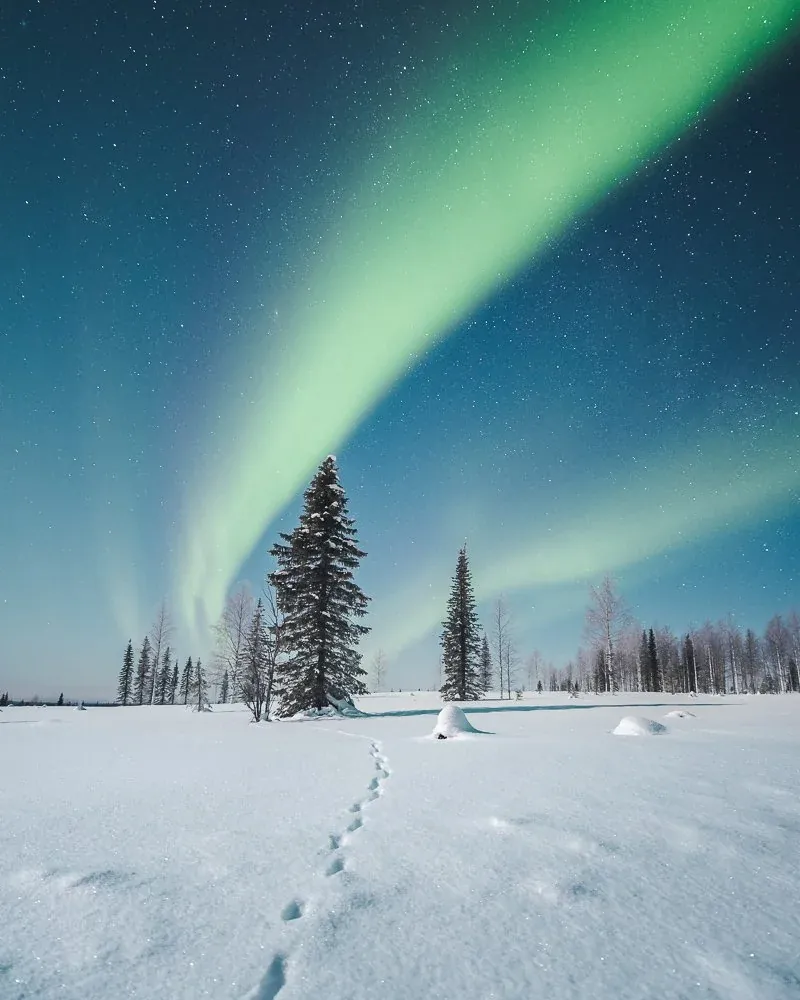
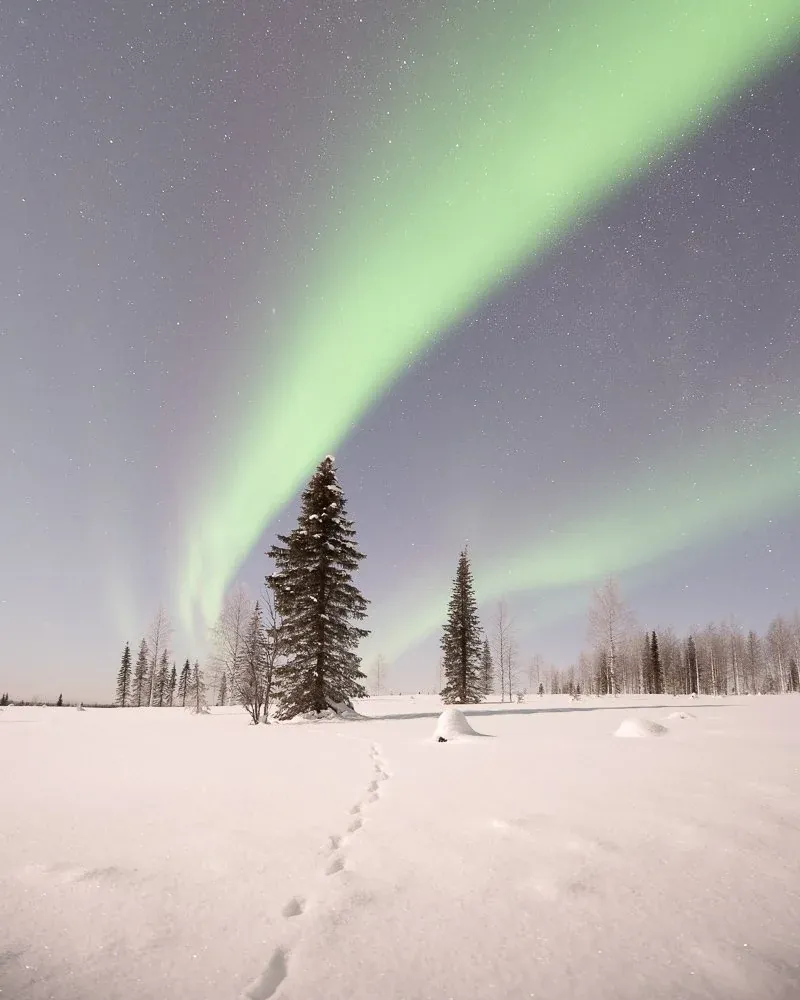
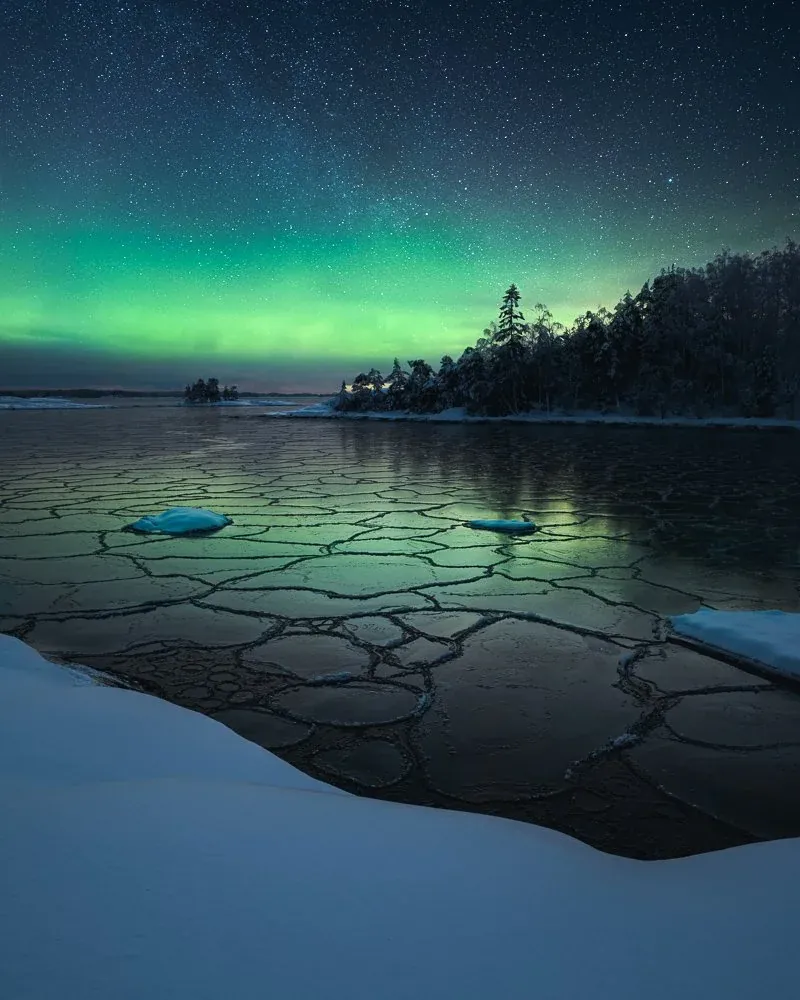
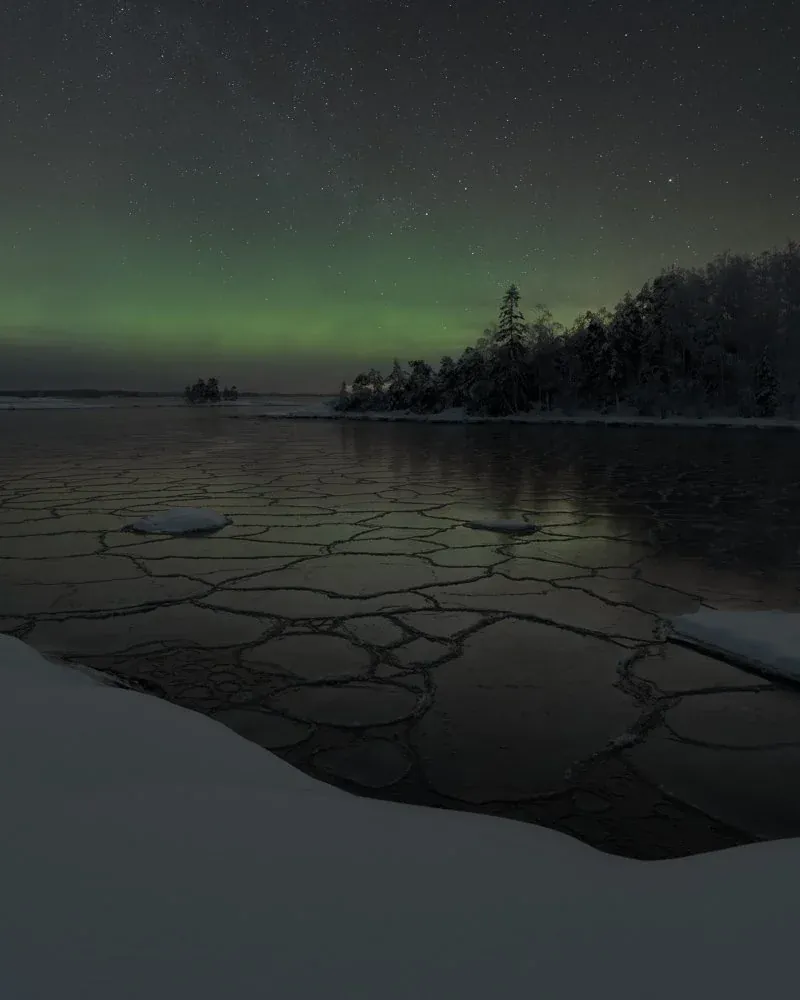
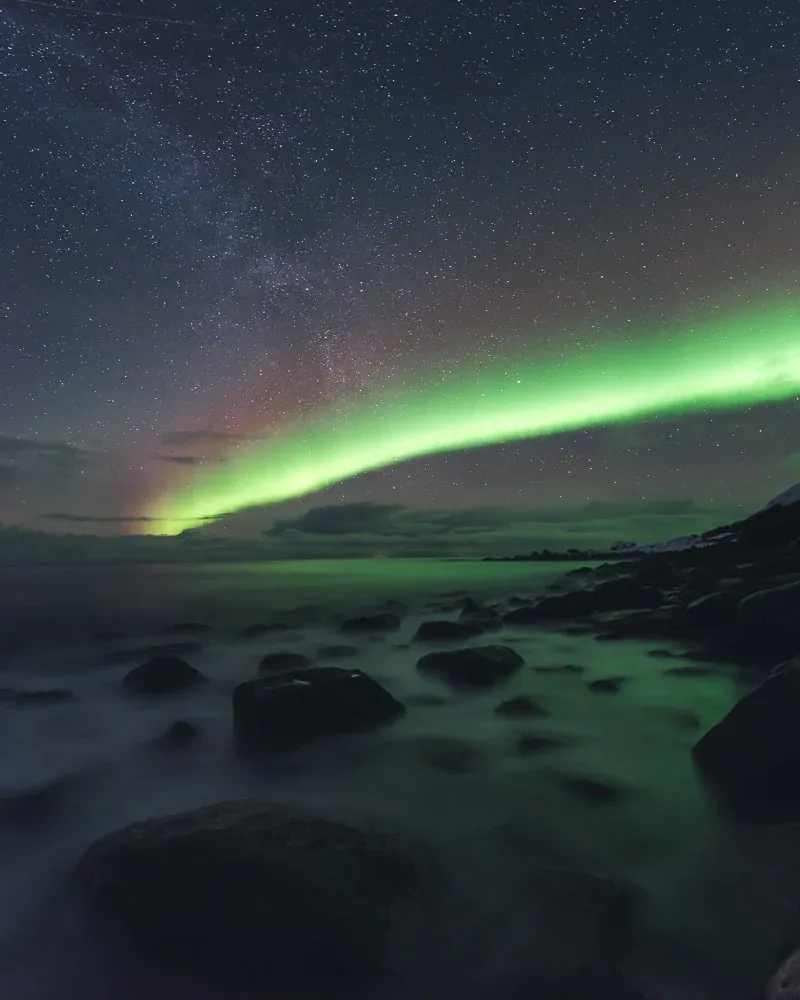
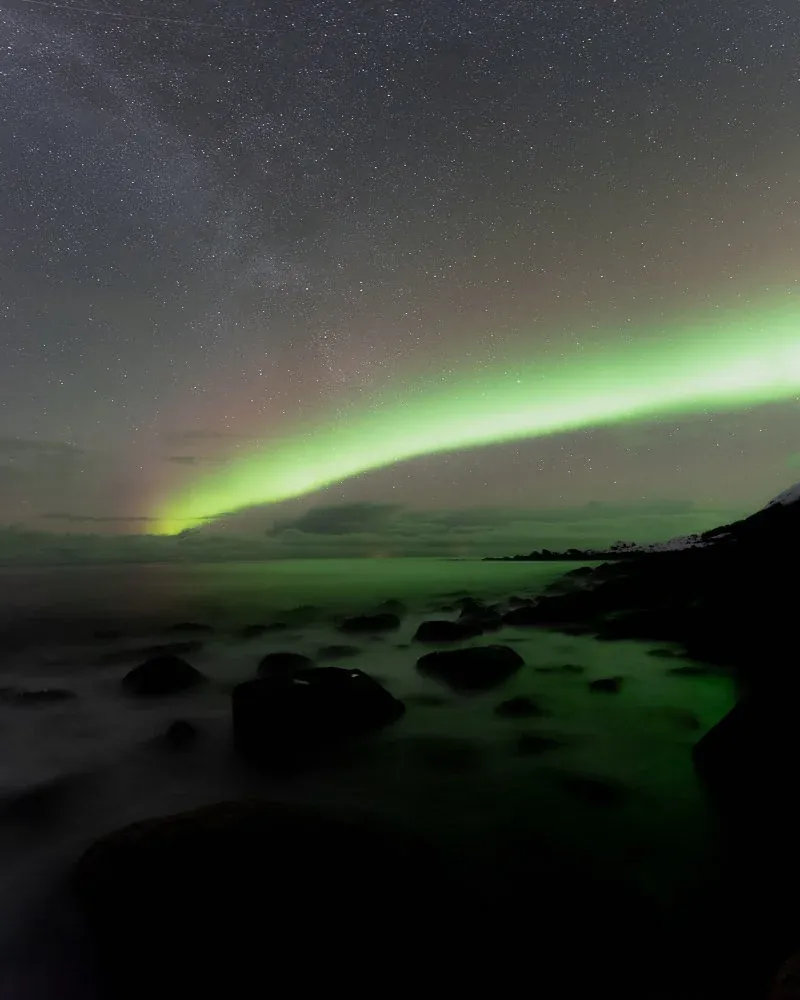
Borealis is built around the specific challenges of night photography, so each edit stays intentional from start to finish.
Step 01
Every night is different. Start with a look that matches the scene, from restrained natural color to a deeper cinematic direction, so the edit has a clear intention from the first move.
Step 02
Aurora images carry strong contrast between a bright sky and a dark foreground. The AI-powered tools balance that light so detail returns without flattening the depth of the photograph.
Step 03
High ISO comes with the territory. Finishing tools for noise, star sharpening, and final polish keep the image clean and controlled while it still feels like night.
Inspired by the northern lights, made for night. Pick a scene, then apply a look to see how it changes the image.
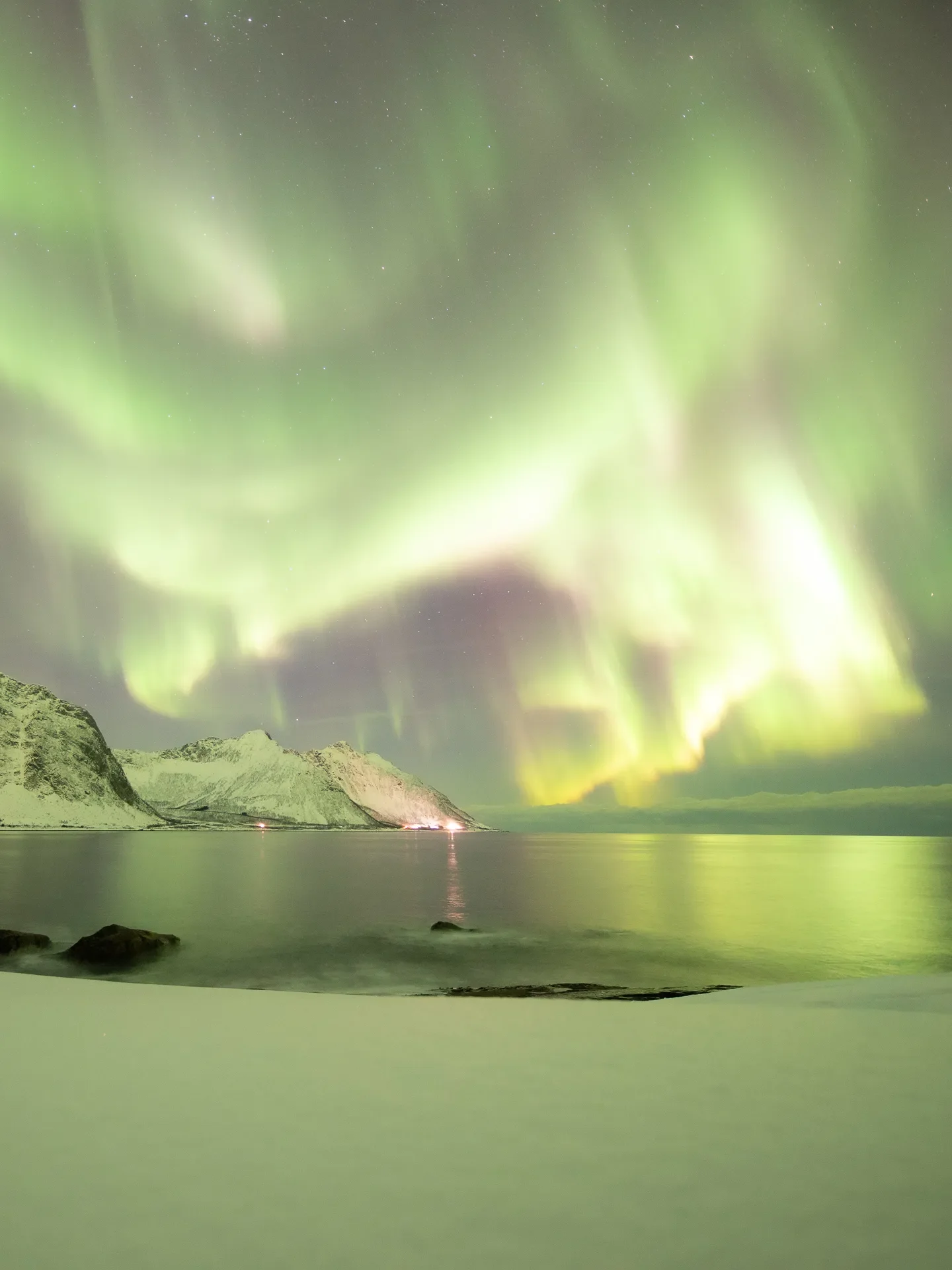
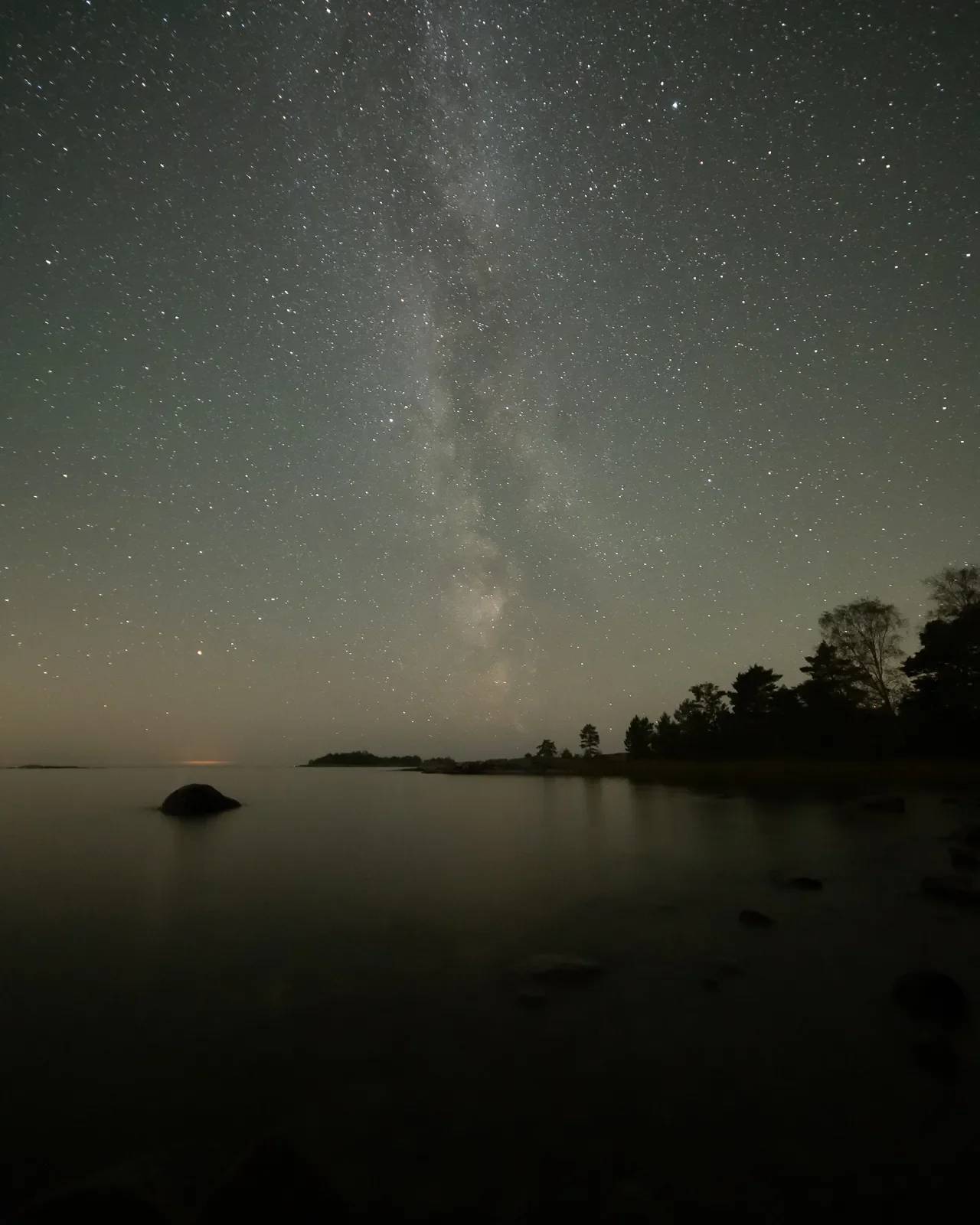
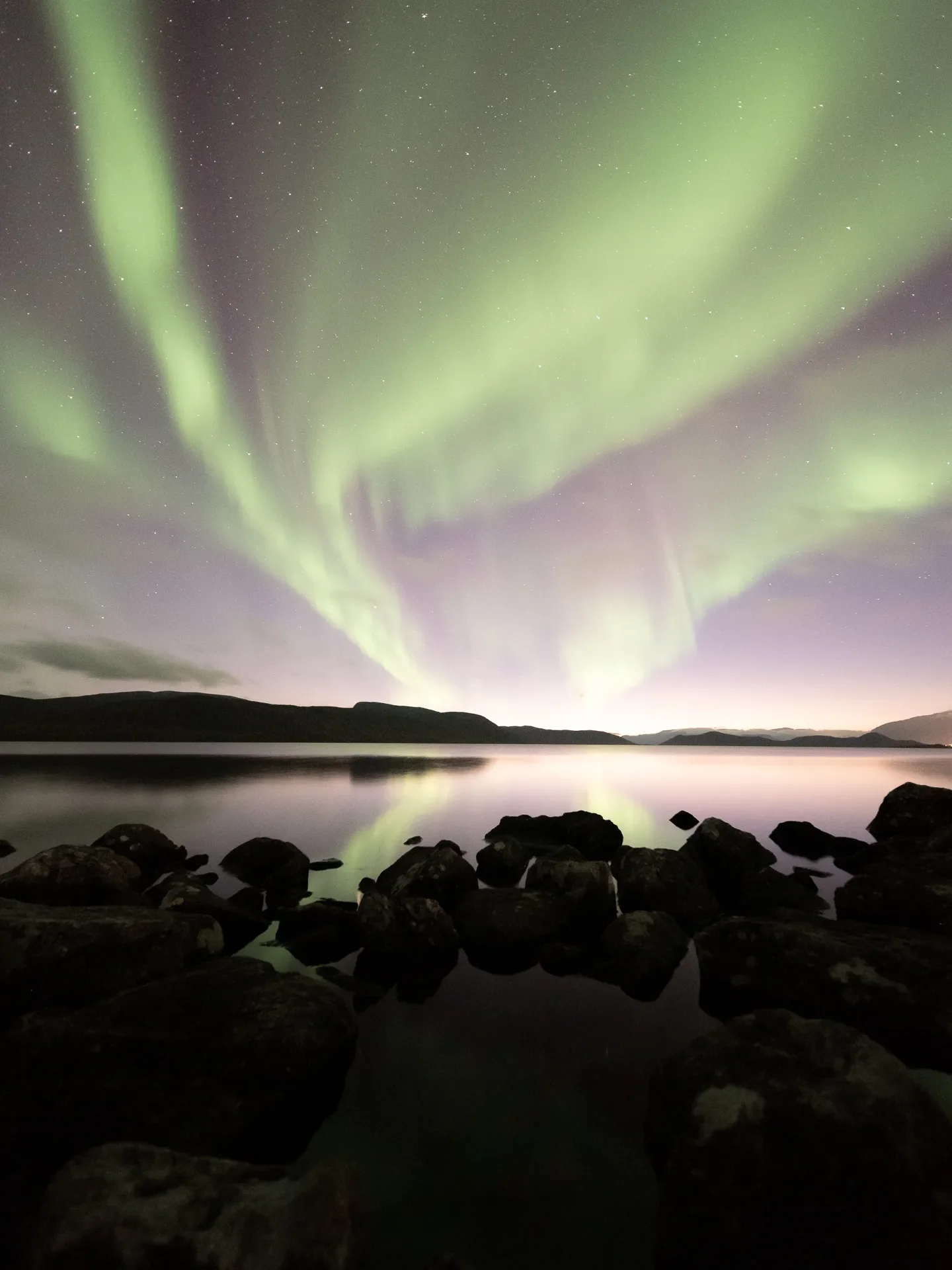
Select a scene on the right, then apply a look from the list.
A curated set of looks for aurora images, winter scenes, and arctic night photography.
One-click tools that use Lightroom AI masks to balance the night sky and landscape quickly.
Controls for noise, sharpness, stars, and final night-image polish.
Install in desktop Lightroom and sync to mobile through Creative Cloud.
A clear step-by-step guide so you can install the system and start editing right away.
Pay once and receive future improvements at no extra cost.
“Great job with the presets. They inspired me to revisit old images and improve them in very little time.”
 Justin M.
 “I love that I can get amazing yet natural results. The workflow is easy to follow and still high-end.”
 Linda B.
 You import the downloaded ZIP file directly into Lightroom. A clear PDF setup guide is included.
Yes. The workflow is built around a clear three-step process that makes night editing easier to follow.
They are optimized for natural-looking northern lights photography. The final result still depends on the exposure, focus, and quality of the source file.
Adobe Lightroom Classic v11+, Lightroom CC, and Camera Raw. The AI masking tools require a version with Lightroom masking support.
Yes. Install the presets in desktop Lightroom first, then sync them to mobile through Creative Cloud.
Yes. If you need help with installation or use, email hello@mikkolagerstedt.com.
A northern lights editing system for photographers who value atmosphere, restraint, and natural night-image finishing.
One-time purchase · Secure checkout