Article content
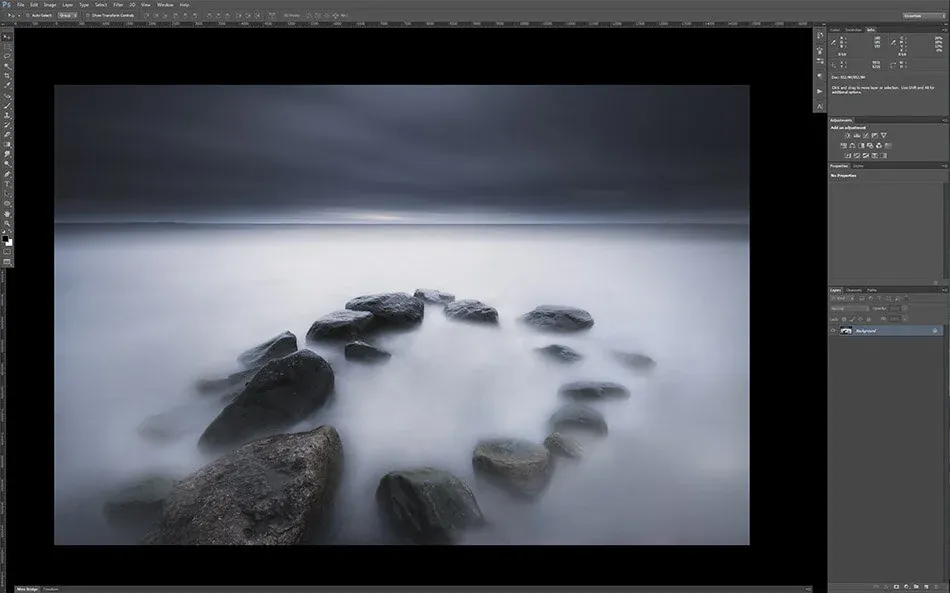
Here is a essential shortcut set for photographers using Photoshop to make your processing faster.
Work space:
F Switch Between Screen Mode
CTRL+0 Fit Image In The Screen or Window
CTRL/CMD + Zoom In
CTRL/CMD - Zoom Out
CTRL/CMD+TAB Flip through Open Documents
SPACE = Move Through Image with Hand Tool
Tools:
B Brush Tool
F5 Open Brush Settings Panel
0 - 9 Set the Opacity of your current tool
SHIFT + 0 - 9 Set the flow of your current tool
X Switch Between Foreground And Background Color
D Reset Foreground And Background Colors to Black & White
V Move Tool
C Crop Tool
G Gradient Tool
M Selection Tool
SHIFT+L Toggle Lasso Tools
I Eyedropper Tool
P Pen Tool
Z Zoom Tool
S Clone Stamp Tool
SHIFT+J Toggle Patch Tool, Spot Healing Brush etc.
SHIFT+O Toggle Between Dodge & Burne Tools
CTRL/CMD+ALT+ Right Mouse Button Adjust Brush, Small or Big (Moving mouse to left or right) / Soft or Hard (Moving mouse down or up)
Layers & saving
CTRL/CMD+I Invert (Selection and Mask for example)
CTRL/CMD+ALT+I Image Size Adjustments
CTRL/CMD+ALT+SHIFT+E Make A Stamp Visible Layer
CTRL+ALT+S Save As
CTRL+ALT+SHIFT+S Save For Web
I have added these to the Shortcut Setup ease my work:
CTRL/CMD+ALT+SHIFT+K Shortcut Setup
CTRL+ALT+SHIFT+M Add Mask (Layer - Reveal All)
CTRL+ALT+SHIFT+G Gaussian Blur (Filter - Gaussian Blur)
CTRL+ALT+SHIFT+U Unsharp Mask (Filter - Unsharp Mask)
CTRL+ALT+SHIFT+F Flatten Image (Layer - Flatten Image)